Key Takeaways
- The Free AI Prompt Generator Tool helps you create social media posts, captions, and hooks in minutes
- You can generate content for platforms like Facebook, X, Instagram, LinkedIn, and more
- The tool works especially well for promoting opt-in pages, lead magnets, blog posts, and offers
- It gives you multiple post variations, hooks, calls to action, and keyword ideas
- Beginners can use it easily because the setup is simple and guided
- Structured prompts lead to more useful, engaging, and conversion-focused social media content
Free AI Prompt Generator Tool for Social Media Content
Social media can help grow almost any online business, but coming up with fresh posts every day is hard. Many business owners know they need to stay visible on Facebook, X, Instagram, LinkedIn, and other platforms, yet they get stuck when it is time to actually write the content.
That is where the Free AI Prompt Generator Tool for social media content becomes useful.
Instead of staring at a blank screen and wondering what to post, you can use this tool to generate structured prompts that help AI create ready-to-use social media posts, captions, and hooks. This makes it easier to promote your products, services, blog posts, opt-in pages, and free offers without spending hours writing.
In this guide, you will learn what the tool does, how to use it step by step, why it works so well, and how it can help you create better social media content faster.
What Is the Free AI Prompt Generator Tool for Social Media?
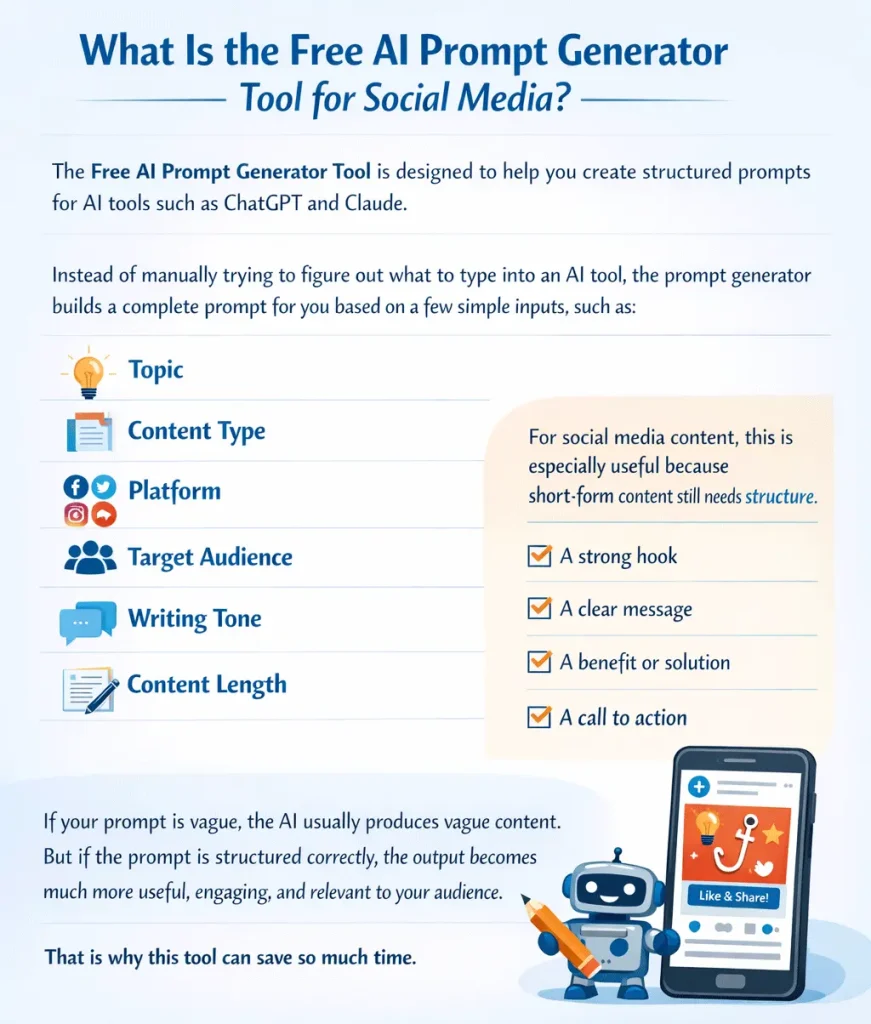
The Free AI Prompt Generator Tool is designed to help you create structured prompts for AI tools such as ChatGPT and Claude.
Instead of manually trying to figure out what to type into an AI tool, the prompt generator builds a complete prompt for you based on a few simple inputs, such as:
- Topic
- Content type
- Platform
- Target audience
- Writing tone
- Content length
For social media content, this is especially useful because short-form content still needs structure. A good social media post usually needs:
- A strong hook
- A clear message
- A benefit or solution
- A call to action
If your prompt is vague, the AI usually produces vague content. But if the prompt is structured correctly, the output becomes much more useful, engaging, and relevant to your audience.
That is why this tool can save so much time.
Why Social Media Content Is Hard to Create Consistently
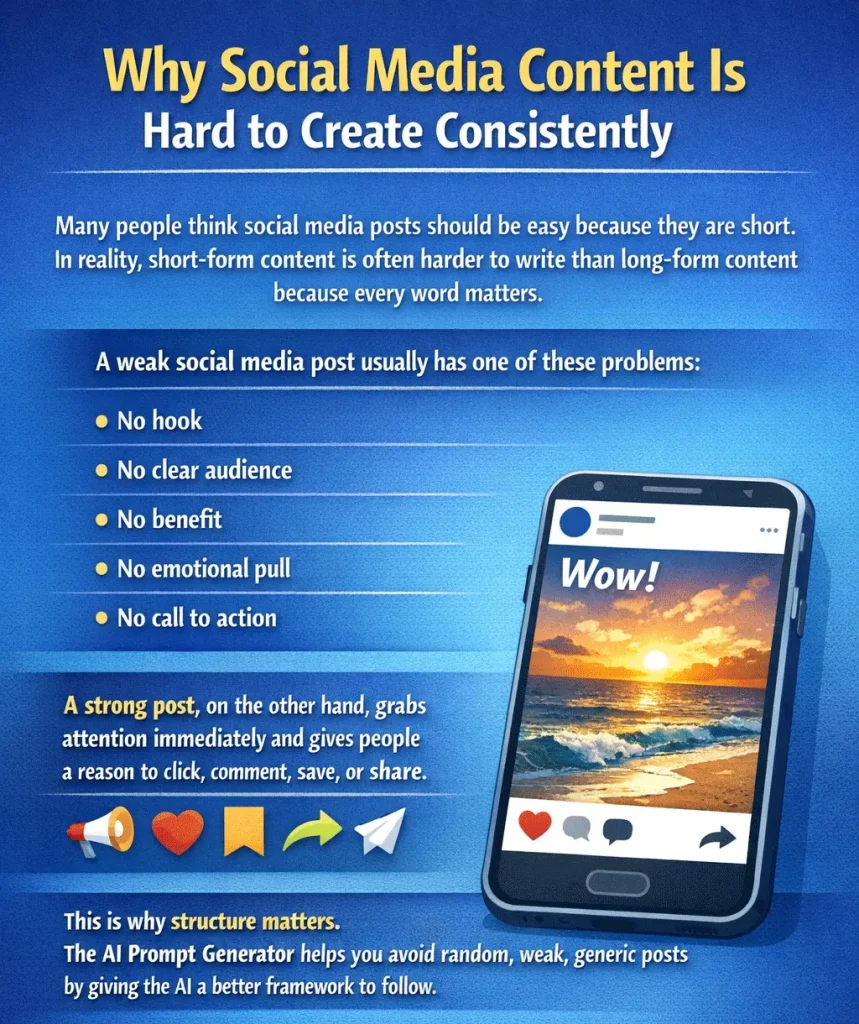
Many people think social media posts should be easy because they are short. In reality, short-form content is often harder to write than long-form content because every word matters.
A weak social media post usually has one of these problems:
- No hook
- No clear audience
- No benefit
- No emotional pull
- No call to action
A strong post, on the other hand, grabs attention immediately and gives people a reason to click, comment, save, or share.
This is why structure matters. The AI Prompt Generator helps you avoid random, weak, generic posts by giving the AI a better framework to follow.
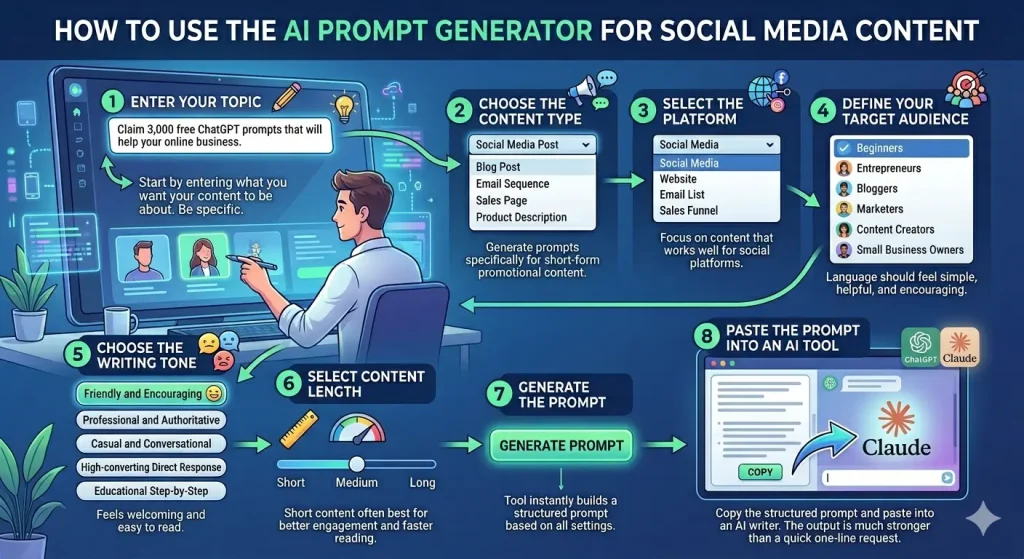
How to Use the AI Prompt Generator for Social Media Content
Using the tool is simple. Once you understand the setup, it can take less than a minute to create a strong prompt.
Step 1 – Enter Your Topic
Start by entering what you want your content to be about.
In the video example, the topic was:
Claim 3,000 free ChatGPT prompts that will help your online business
This is important because the more clearly you describe your offer, the better the AI can write the content.
You can use topics like:
- Claim 3,000 free ChatGPT prompts
- Download my free ebook
- Learn how to grow your blog
- Get my free WordPress checklist
- Start your online business today
Be specific. If your topic is too broad, your results will be weaker.
Step 2 – Choose the Content Type
Next, choose the content type.
For this feature, select:
Social Media Post
This tells the tool to generate prompts specifically designed for short-form promotional content rather than blog posts, email sequences, sales pages, or product descriptions.
Step 3 – Select the Platform
Choose the platform where your content will be used.
For this tutorial, the platform is:
Social Media
This allows the prompt to focus on content that works well for social platforms rather than websites, email lists, or sales funnels.
Step 4 – Define Your Target Audience
Choose who your message is for.
In the example, the target audience is:
Beginners
This matters because beginners respond to different language than advanced marketers or experienced business owners. If your content is for people who are just starting out, the message should feel simple, helpful, and encouraging.
Other audience examples include:
- Entrepreneurs
- Bloggers
- Marketers
- Content creators
- Small business owners
Step 5 – Choose the Writing Tone
Next, choose your tone.
The video recommends:
Friendly and encouraging
That tone works well for social media because it feels welcoming and easy to read. However, the tool also gives other options, such as:
- Professional and authoritative
- Casual and conversational
- High-converting direct response
- Educational
- Step-by-step
For many social media posts, friendly and encouraging is a strong choice because it makes the content feel more approachable.
Step 6 – Select Content Length
For social media, shorter is usually better.
In the example, the length selected is:
Short
That makes sense because most social posts need to get to the point quickly. The tool also allows medium and long, but short content is often best when you want better engagement and faster reading.
Step 7 – Generate the Prompt
Once your settings are filled out, click the Generate Prompt button.
The tool instantly builds a structured prompt based on your topic, content type, platform, audience, tone, and length.
Step 8 – Paste the Prompt Into an AI Tool
Copy the prompt and paste it into your preferred AI writer, such as:
- ChatGPT
- Claude
The AI then generates your social media content.
Because the prompt is already structured, the output is much stronger than what most people get when they type a quick one-line request.

What the Tool Can Generate for You
One of the best parts of this feature is that it does not stop at just one post. It can generate multiple useful content elements that help you build your business faster.
Based on the example in the video, the AI can generate:
- Hooks
- Problem-focused intros
- Solution-focused messaging
- Bulleted benefits
- Calls to action
- Multiple post variations
- SEO keyword ideas
- SEO titles and meta descriptions for related blog content
This is especially valuable if you are trying to promote one offer in multiple ways without repeating yourself.
For example, if you are promoting a free lead magnet, the tool can help you create:
- A beginner-friendly post
- A confidence-building post
- A short, punchy engagement post
- Platform-specific variations
That means one idea can turn into several social media posts instead of just one.
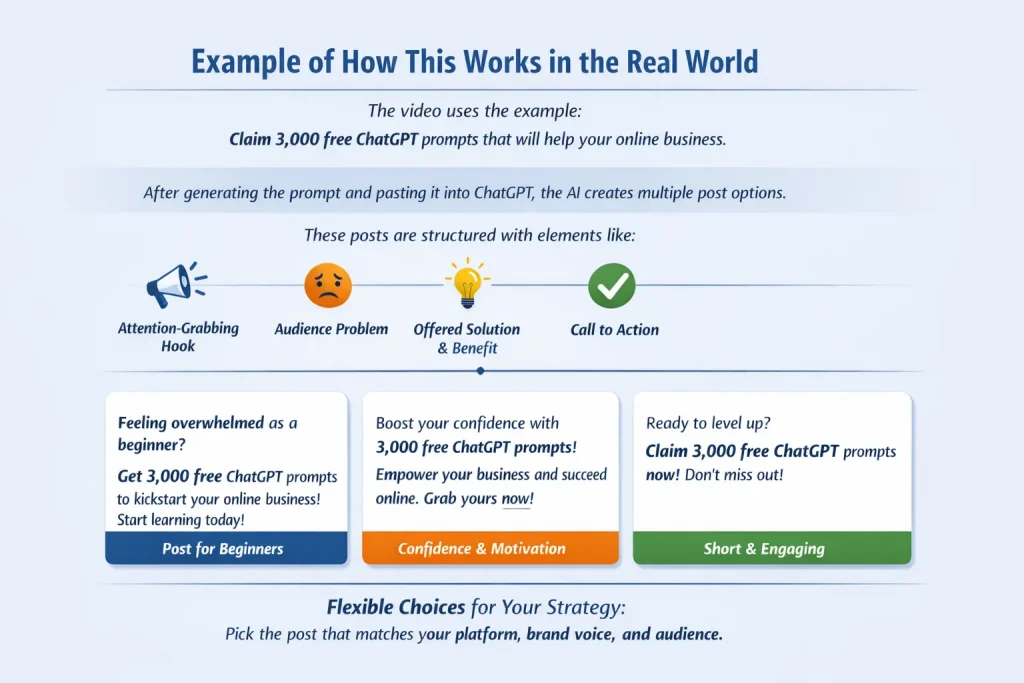
Example of How This Works in the Real World
The video uses the example:
Claim 3,000 free ChatGPT prompts that will help your online business
After generating the prompt and pasting it into ChatGPT, the AI creates multiple post options.
These posts are structured with elements like:
- Attention-grabbing hook
- Problem the audience is facing
- Solution being offered
- Clear benefit
- Call to action
One post might target beginners who feel overwhelmed.
Another might focus on confidence and encouragement.
Another might be short and punchy for higher engagement.
This gives you flexibility. You can choose the one that fits your platform, your brand voice, and your audience.
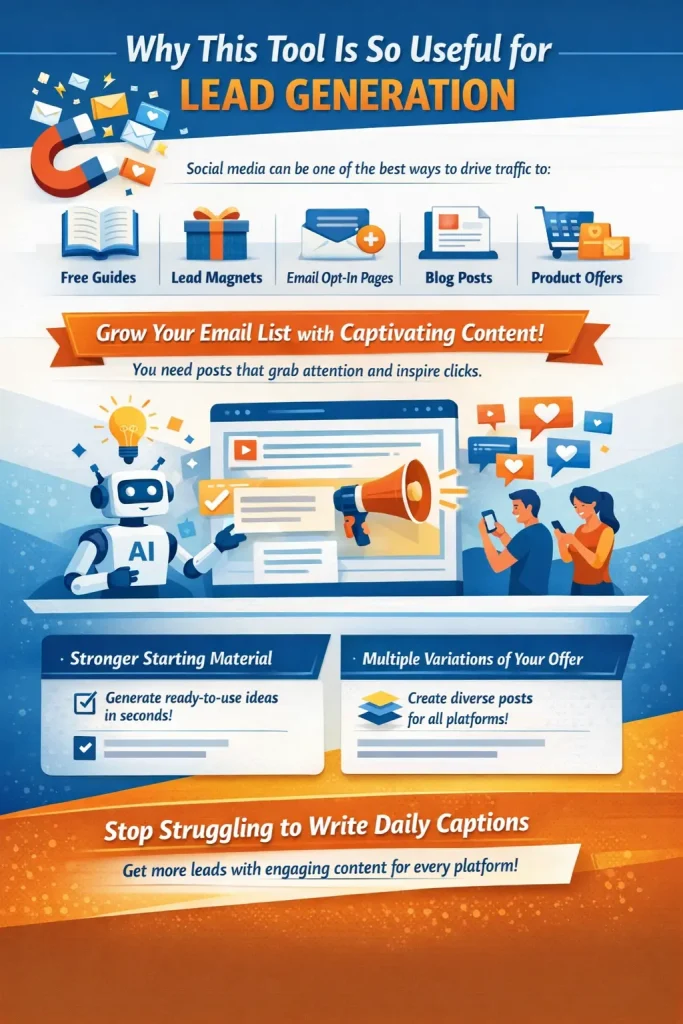
Why This Tool Is So Useful for Lead Generation
The video makes an important point: this tool is very useful for promoting opt-in pages.
That matters because social media posts are often one of the easiest ways to drive traffic to:
- Free guides
- Lead magnets
- Email opt-in pages
- Blog posts
- Product offers
If you are trying to grow your email list, you need content that gets attention and motivates people to click.
The AI Prompt Generator helps with that by giving you stronger starting material.
Instead of trying to invent new captions every day, you can create multiple promotional variations around one offer and use them across different platforms.
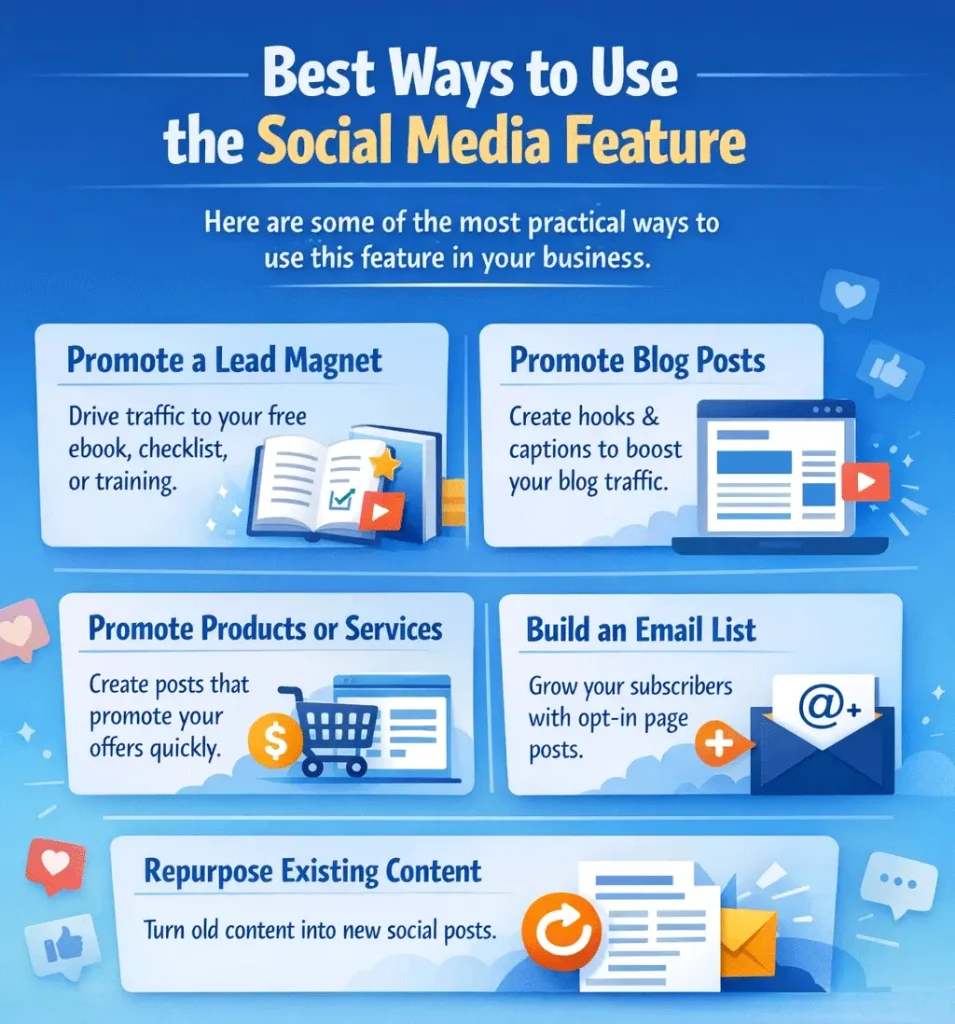
Best Ways to Use the Social Media Feature
Here are some of the most practical ways to use this feature in your business.
Promote a Lead Magnet
If you have a free ebook, checklist, prompt pack, or training, this feature can help you write social posts that drive traffic to that page.
Promote Blog Posts
You can use the tool to create hooks and captions that encourage people to read your blog content.
Promote Products or Services
If you have a product, coaching offer, or paid resource, you can use the tool to create promotional posts faster.
Build an Email List
This is one of the best uses of the tool. Social posts that promote an opt-in page can help you build your subscriber list more consistently.
Repurpose Existing Content
You can take ideas from your blog posts or sales pages and turn them into social content quickly.
Common Mistakes to Avoid
Even though the tool is simple, there are a few mistakes that can reduce the quality of the output.
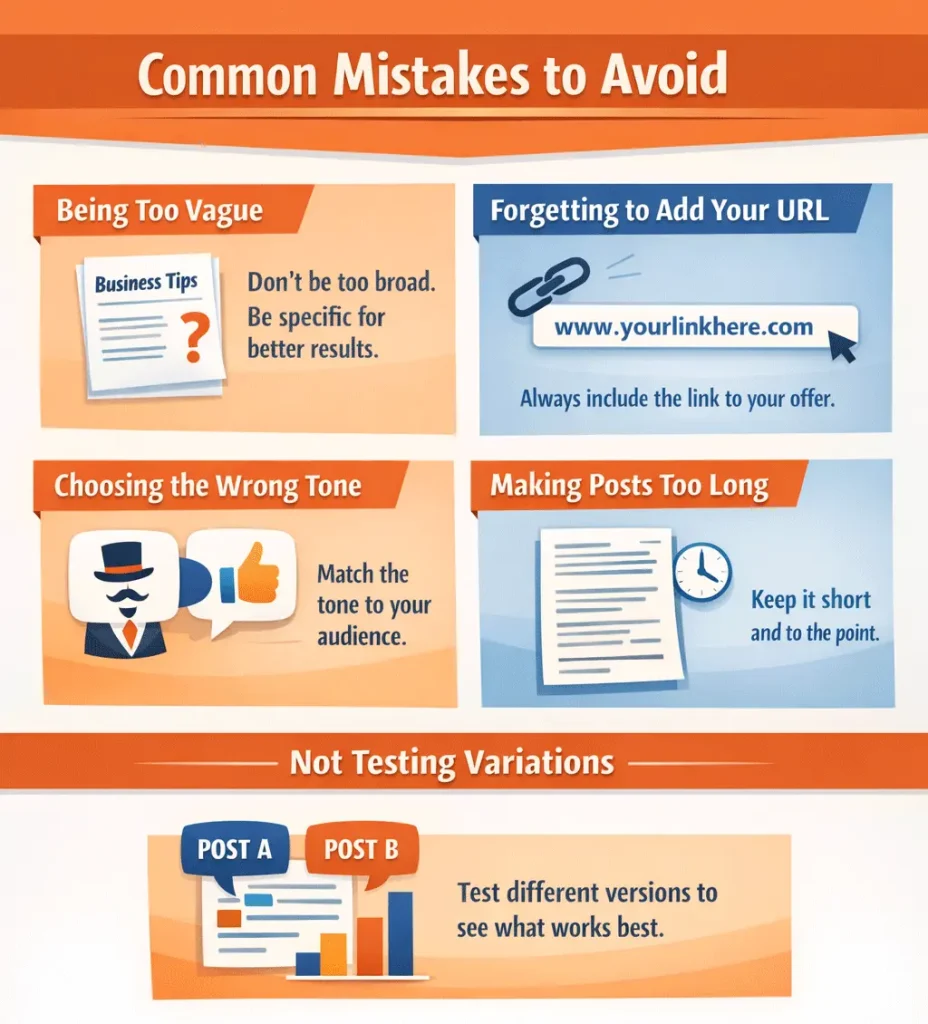
Being Too Vague
If you type something broad like “business tips,” the AI will create broad content. Specific topics get better results.
Forgetting to Add Your URL
The video points out that after generating your post, you should always add your link to the product, service, or lead magnet you are promoting.
Choosing the Wrong Tone
A tone that feels too formal may not perform as well on social media. Choose the tone that matches your audience and platform.
Making Posts Too Long
Social media content usually performs better when it is shorter and easier to skim.
Not Testing Variations
One post may do okay, but another version may perform much better. That is why having multiple post variations is so helpful.
Social Media Platforms This Can Support
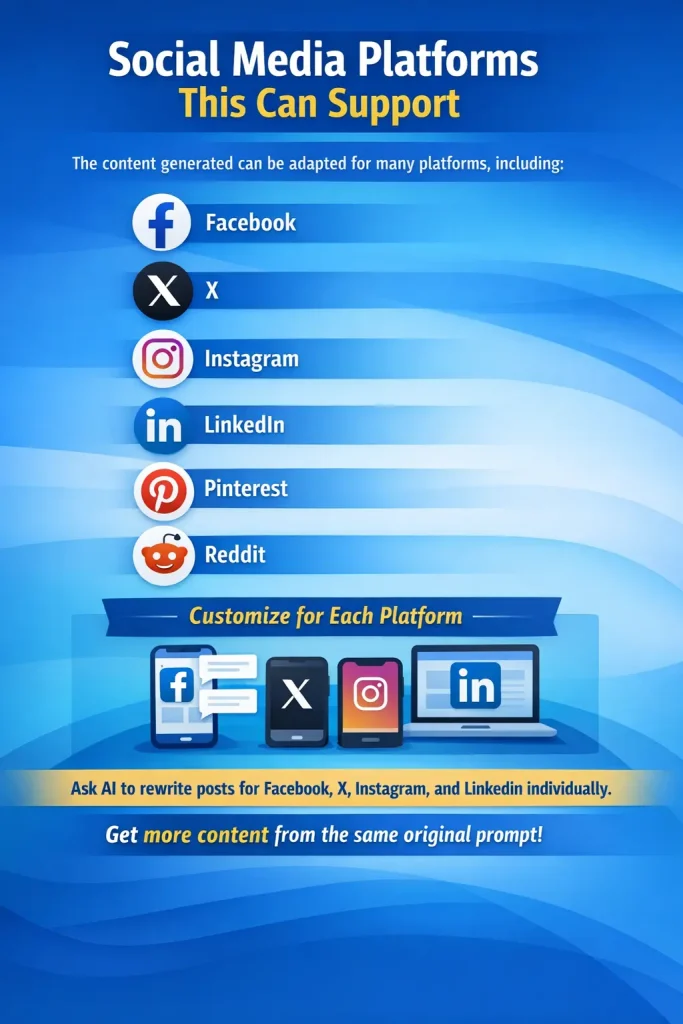
Although the video focuses on social media broadly, the content generated can be adapted for many platforms, including:
- X
The prompt can also be expanded if you want platform-specific versions. For example, you can ask AI to rewrite the content for Facebook, X, Instagram, and LinkedIn individually.
That gives you even more content from the same original prompt.
Why Structured Prompts Matter So Much
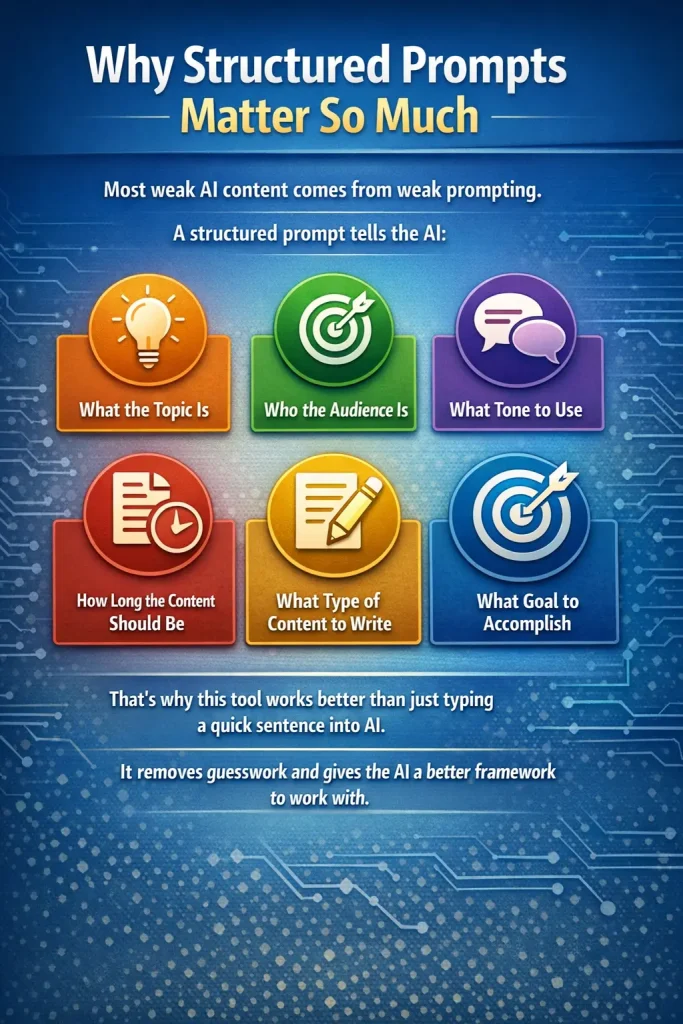
Most weak AI content comes from weak prompting.
A structured prompt tells the AI:
- What the topic is
- Who the audience is
- What tone to use
- How long the content should be
- What type of content to write
- What goal the content should accomplish
That is why this tool works better than just typing a quick sentence into AI.
It removes guesswork and gives the AI a better framework to work with.
Benefits of Using the Tool for Social Media Content
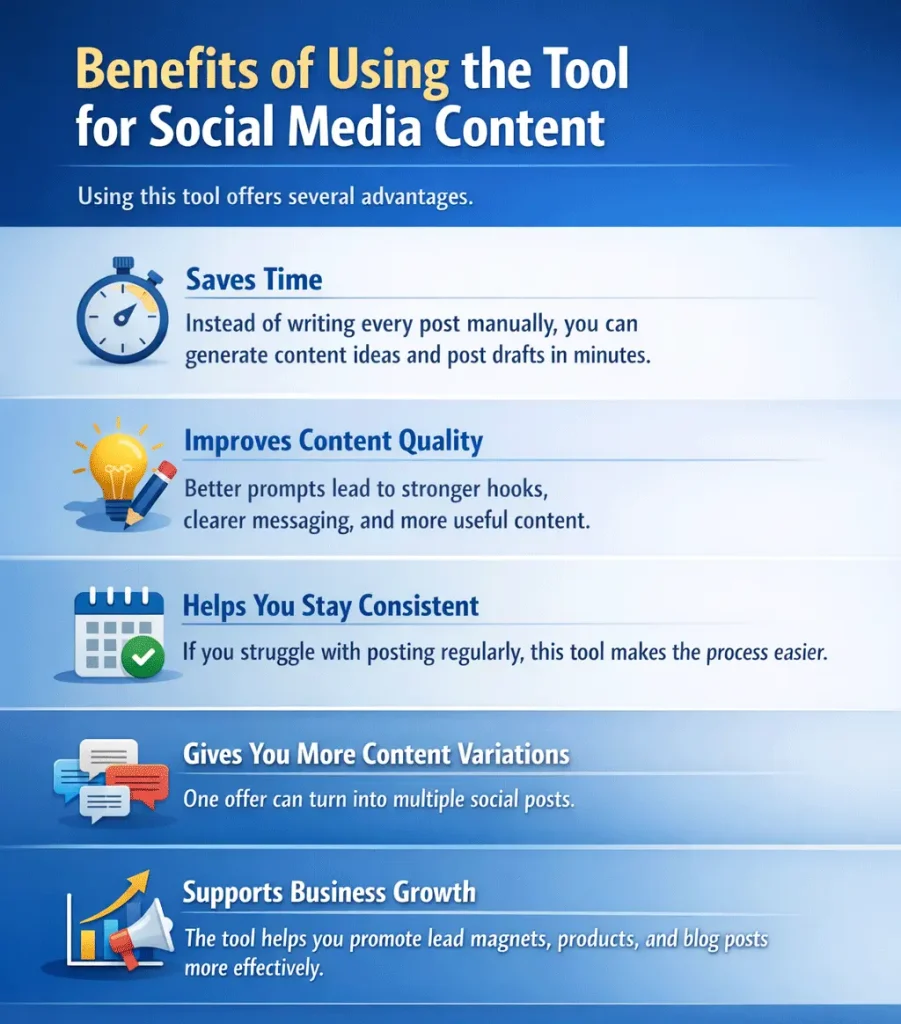
Using this tool offers several advantages.
Saves Time
Instead of writing every post manually, you can generate content ideas and post drafts in minutes.
Improves Content Quality
Better prompts lead to stronger hooks, clearer messaging, and more useful content.
Helps You Stay Consistent
If you struggle with posting regularly, this tool makes the process easier.
Gives You More Content Variations
One offer can turn into multiple social posts.
Supports Business Growth
The tool helps you promote lead magnets, products, and blog posts more effectively.
Frequently Asked Questions
What is the Free AI Prompt Generator Tool for social media?
It is a tool that helps you create structured prompts for AI tools like ChatGPT and Claude so you can generate social media posts, captions, and hooks more easily.
Is this tool good for beginners?
Yes. It is simple to use and works well for beginners who want faster content creation.
Can I use it for Facebook and Instagram posts?
Yes. The social media content can be adapted for Facebook, Instagram, X, LinkedIn, and other platforms.
What kind of content can it generate?
It can generate hooks, captions, promotional posts, multiple post variations, calls to action, and supporting keyword ideas.
Should I choose short, medium, or long content for social media?
Short is usually the best place to start for social posts because it is easier to read and often performs better.
Can I use this to promote my opt-in page?
Yes. That is one of the best uses for the tool. It is great for promoting lead magnets and growing your email list.
Final Thoughts
The Free AI Prompt Generator Tool for social media content is a practical way to create better posts, captions, and hooks without wasting time.
If you struggle with knowing what to post, how to write engaging captions, or how to promote your offers consistently, this tool can make the process much easier.
It helps you move from random posting to structured promotion.
Instead of guessing what to say, you can generate multiple useful social media posts in minutes and use them to drive traffic to your lead magnets, blog posts, products, and services.
For online business owners, marketers, bloggers, and content creators, that makes this tool a smart addition to your workflow.
Free AI Prompt Tool
Want an easier way to come up with content ideas? 👉 Use the free AI prompt generator here to get started.