Key Takeaways
- The Free AI Prompt Generator Tool helps you write product descriptions faster using AI
- You can use it for WordPress, WooCommerce, Etsy, Shopify, and other e-commerce platforms
- The tool creates structured prompts that improve clarity, SEO, and conversions
- You can generate short, medium, or long product descriptions based on your needs
- The output can include SEO titles, meta descriptions, keyword ideas, and persuasive copy
- This tool is ideal for beginners, store owners, marketers, and digital product sellers
Free AI Prompt Generator Tool for Product Descriptions
Writing product descriptions can be one of the most frustrating parts of selling online.
You need to explain what the product is, highlight the benefits, make it easy to understand, and persuade someone to buy — all without sounding boring or generic.
That takes time.
It also takes skill.
The good news is that the Free AI Prompt Generator Tool for Product Descriptions makes this process much easier.
Instead of staring at a blank page and trying to figure out how to describe your product, this tool helps you generate a structured AI prompt that can be used with ChatGPT, Claude, or similar AI writing tools.
The result is faster content creation, stronger product pages, and more persuasive product descriptions that can help you sell more effectively across platforms like WordPress, WooCommerce, Etsy, Shopify, and more.
In this guide, you’ll learn exactly how the tool works, why it helps, how to use it correctly, and how it can improve both your product copy and your SEO.
What Is the Free AI Prompt Generator Tool for Product Descriptions?
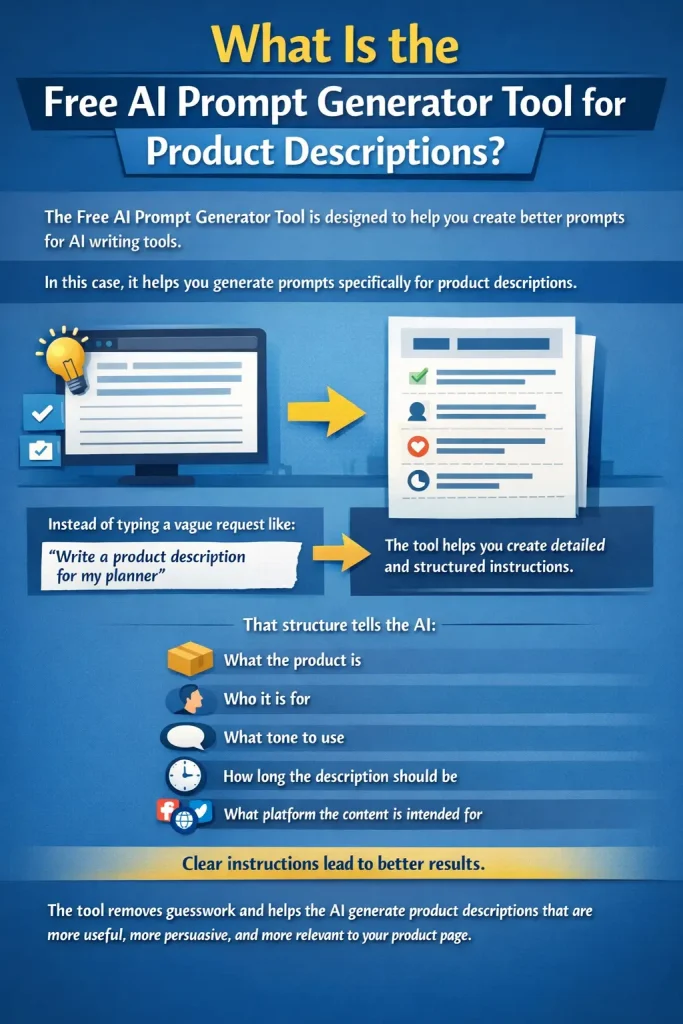
The Free AI Prompt Generator Tool is designed to help you create better prompts for AI writing tools.
In this case, it helps you generate prompts specifically for product descriptions.
Instead of manually typing a vague request like:
“Write a product description for my planner”
the tool helps you create a much more detailed and structured instruction.
That structure tells the AI:
- what the product is
- who it is for
- what tone to use
- how long the description should be
- what platform the content is intended for
This matters because AI performs much better when it receives clear, detailed instructions.
The tool removes guesswork and helps the AI generate product descriptions that are more useful, more persuasive, and more relevant to your product page.
Why Product Descriptions Matter So Much
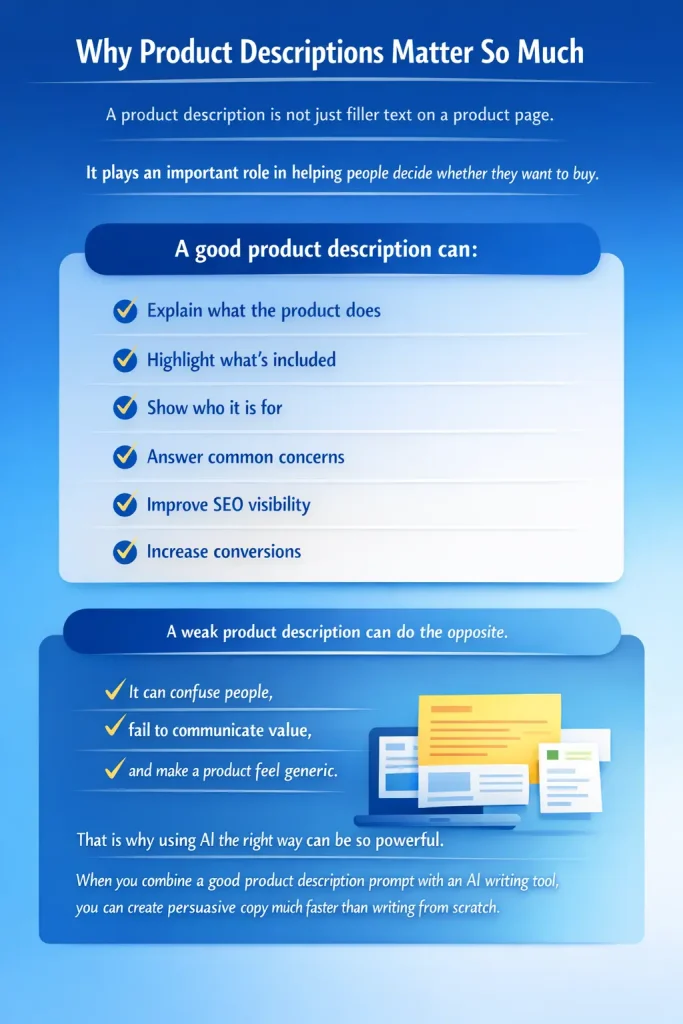
A product description is not just filler text on a product page.
It plays an important role in helping people decide whether they want to buy.
A good product description can:
- explain what the product does
- highlight what’s included
- show who it is for
- answer common concerns
- improve SEO visibility
- increase conversions
A weak product description can do the opposite.
It can confuse people, fail to communicate value, and make a product feel generic.
That is why using AI the right way can be so powerful.
When you combine a good product description prompt with an AI writing tool, you can create persuasive copy much faster than writing from scratch.
Platforms You Can Use It For
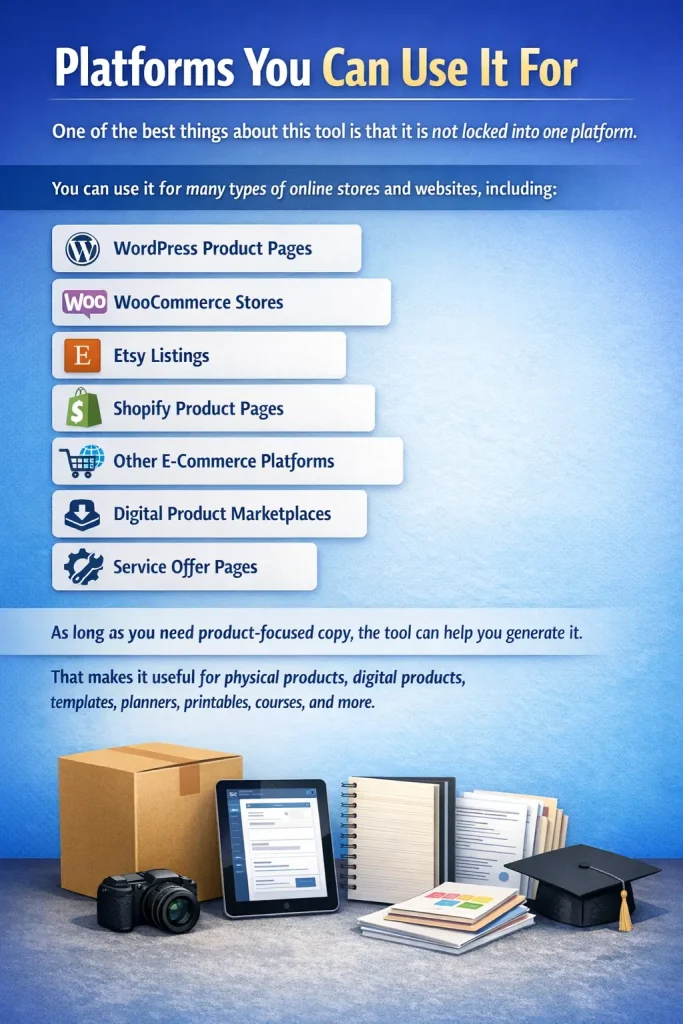
One of the best things about this tool is that it is not locked into one platform.
You can use it for many types of online stores and websites, including:
- WordPress product pages
- WooCommerce stores
- Etsy listings
- Shopify product pages
- other e-commerce platforms
- digital product marketplaces
- service offer pages
As long as you need product-focused copy, the tool can help you generate it.
That makes it useful for physical products, digital products, templates, planners, printables, courses, and more.
How the Tool Works
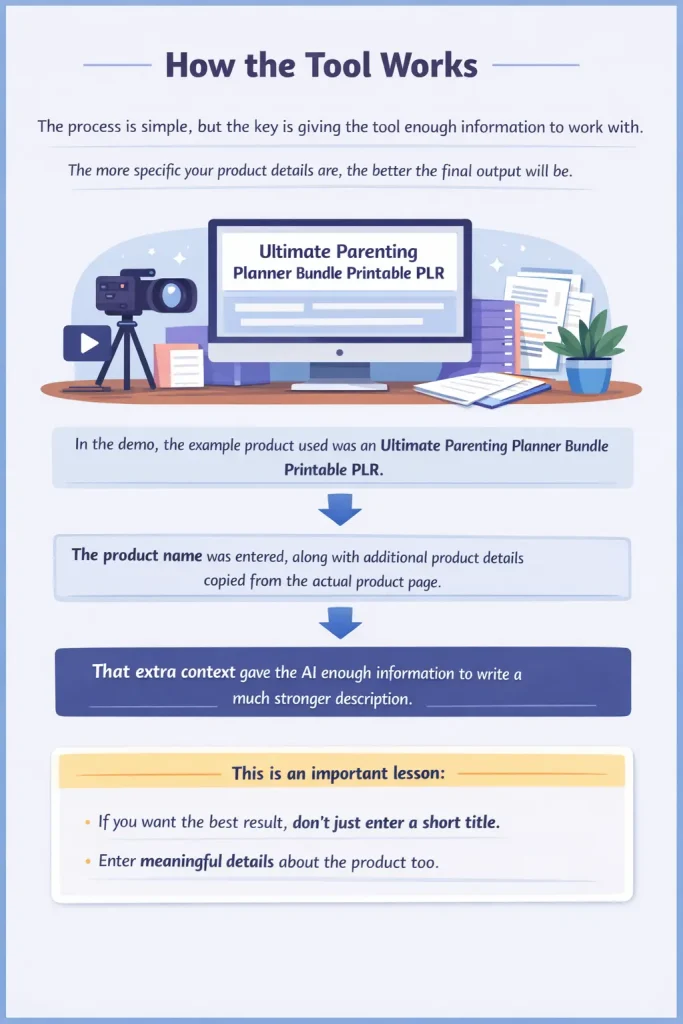
The process is simple, but the key is giving the tool enough information to work with.
The more specific your product details are, the better the final output will be.
In the video demonstration, the example product used was an Ultimate Parenting Planner Bundle Printable PLR.
The product name was entered, along with additional product details copied from the actual product page.
That extra context gave the AI enough information to write a much stronger description.
This is an important lesson:
If you want the best result, don’t just enter a short title.
Enter meaningful details about the product too.
Step-by-Step: How to Use the AI Prompt Generator Tool for Product Descriptions
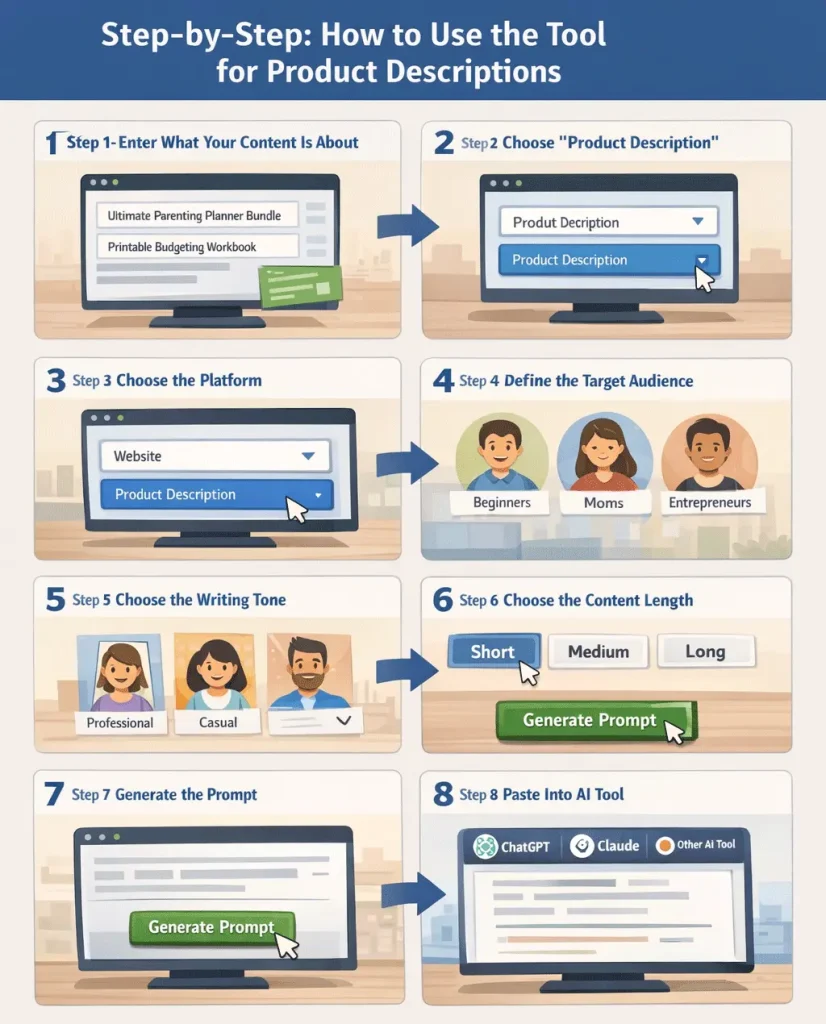
Step 1 – Enter What Your Content Is About
First, go to the tool and enter your product details.
This is where you describe what you’re selling.
For example:
- Ultimate Parenting Planner Bundle Printable PLR
- Digital planner for moms
- Printable budgeting workbook
- Canva template bundle
- Etsy mockup pack
You can enter just the product name, but it’s better to include additional information when possible.
Examples of extra details you may want to add:
- what’s included
- who the product is for
- how the product is used
- key benefits
- format of the product
The more detailed this section is, the better your AI-generated product description will be.
Step 2 – Choose “Product Description”
Next, select Product Description as the content type.
This tells the tool what kind of prompt to create.
It ensures the AI will focus on writing product copy instead of a blog post, sales page, email, or social media content.
That matters because each content type needs a different structure.
Step 3 – Choose the Platform
In the video, the platform used was Website or Blog.
That makes sense because product descriptions are usually published on a product page within a website or online shop.
This can apply to:
- WordPress product pages
- WooCommerce stores
- Shopify product pages
- Etsy listing drafts
- sales pages for digital products
Even if your final listing is on Etsy or another marketplace, starting with website-style formatting can still work very well.
Step 4 – Define the Target Audience
The video uses Beginners as the target audience.
That works especially well for many digital products because beginner-friendly writing tends to be clearer and easier to understand.
However, you can also adjust this depending on your product.
Other audience examples might include:
- busy moms
- teachers
- entrepreneurs
- small business owners
- Etsy sellers
- bloggers
- content creators
Choosing the right audience helps the AI tailor the messaging more effectively.
Step 5 – Choose the Writing Tone
In the example, the tone chosen was Friendly and Encouraging.
That is a strong choice for many types of product descriptions because it makes the copy feel warm, approachable, and easy to read.
Other tone options may include:
- professional and authoritative
- casual and conversational
- high-converting direct response
- educational step-by-step
For many stores, friendly and encouraging works well because it helps products feel more inviting.
If you want a more persuasive or conversion-driven style, direct response may be a better fit.
Step 6 – Choose the Content Length
The tool allows you to choose:
- short and punchy
- medium
- long
In the video, short and punchy was selected.
That makes sense because many shoppers do not want to read long walls of text on product pages.
Short descriptions often work well when:
- the product is simple
- the audience already understands the category
- you want fast scanning
- your design favors concise copy
However, medium or long descriptions can work better when:
- the product has multiple features
- the product needs explanation
- SEO is a priority
- the buyer needs more details before purchasing
There is no single perfect choice. The best option depends on the product and platform.
Step 7 – Leave the Boxes Checked and Generate the Prompt
Once you’ve filled out the fields, leave the instruction boxes checked and click Generate Prompt.
The tool will then create a complete prompt for you.
This prompt is what you will copy and paste into ChatGPT, Claude, or another AI writing tool.
Step 8 – Paste Into ChatGPT, Claude, or Another AI Tool
After copying the prompt, paste it into your preferred AI writing tool.
The AI will then generate:
- a product description
- key included items
- audience-specific copy
- persuasive product messaging
- SEO suggestions
- title and meta description ideas
That entire process can take less than a minute once you understand how the tool works.
Example Output From the Tool
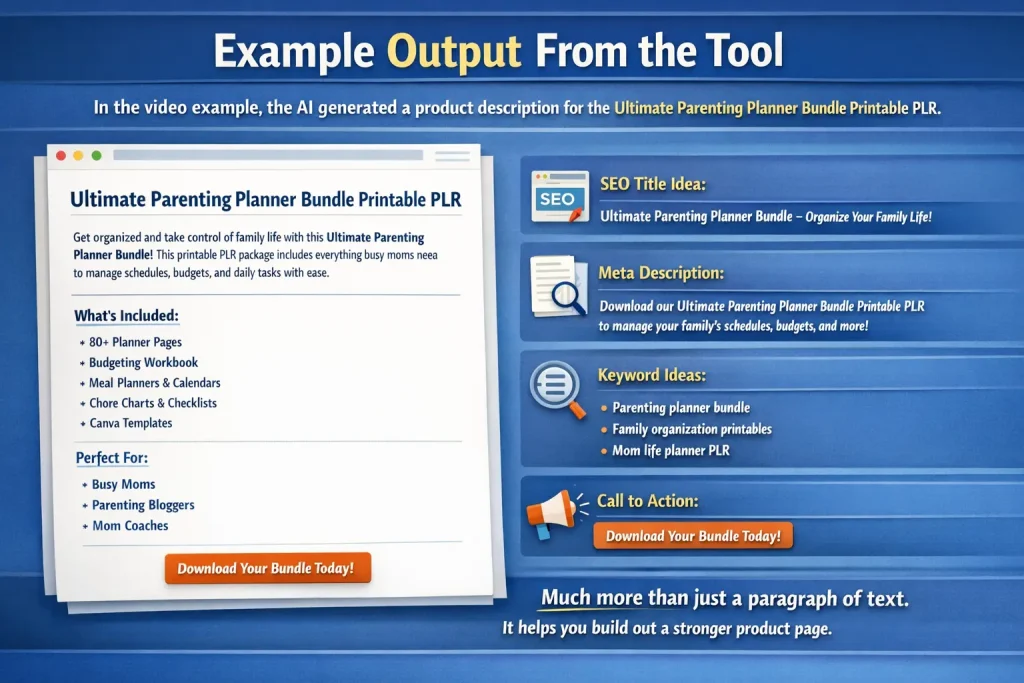
In the video example, the AI generated a product description for the Ultimate Parenting Planner Bundle Printable PLR.
The output included:
- the product name as an H1
- descriptive copy about the product
- what was included in the bundle
- who the bundle is for
- a call to action
- keyword ideas
- an SEO title
- a meta description
This is extremely useful because it gives you much more than just a paragraph of text.
It helps you build out a stronger product page overall.
Why Detailed Input Gives Better Results
One of the biggest lessons from the video is that details matter.
At first, an error happened because the product information had not been properly entered.
Once the product title and more detailed information were added, the output improved immediately.
That’s exactly how AI works.
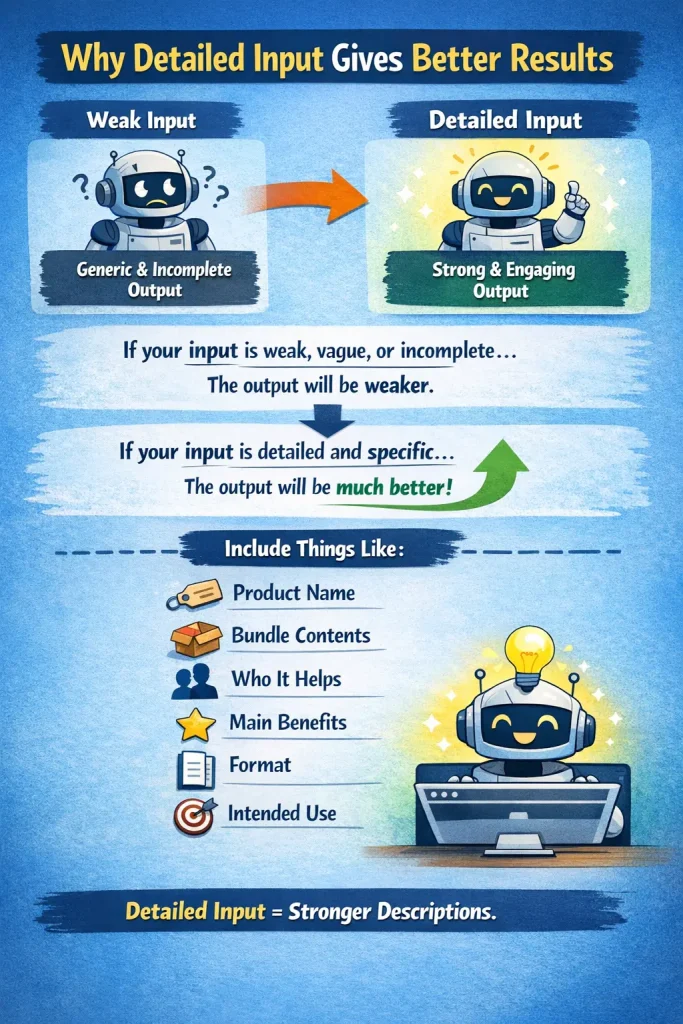
If your input is weak, vague, or incomplete, the output will usually be weaker too.
If your input is detailed and specific, the AI has more to work with and can generate much better copy.
That means you should try to include things like:
- product name
- bundle contents
- who it helps
- main benefits
- format
- intended use
This will make your product descriptions much stronger.
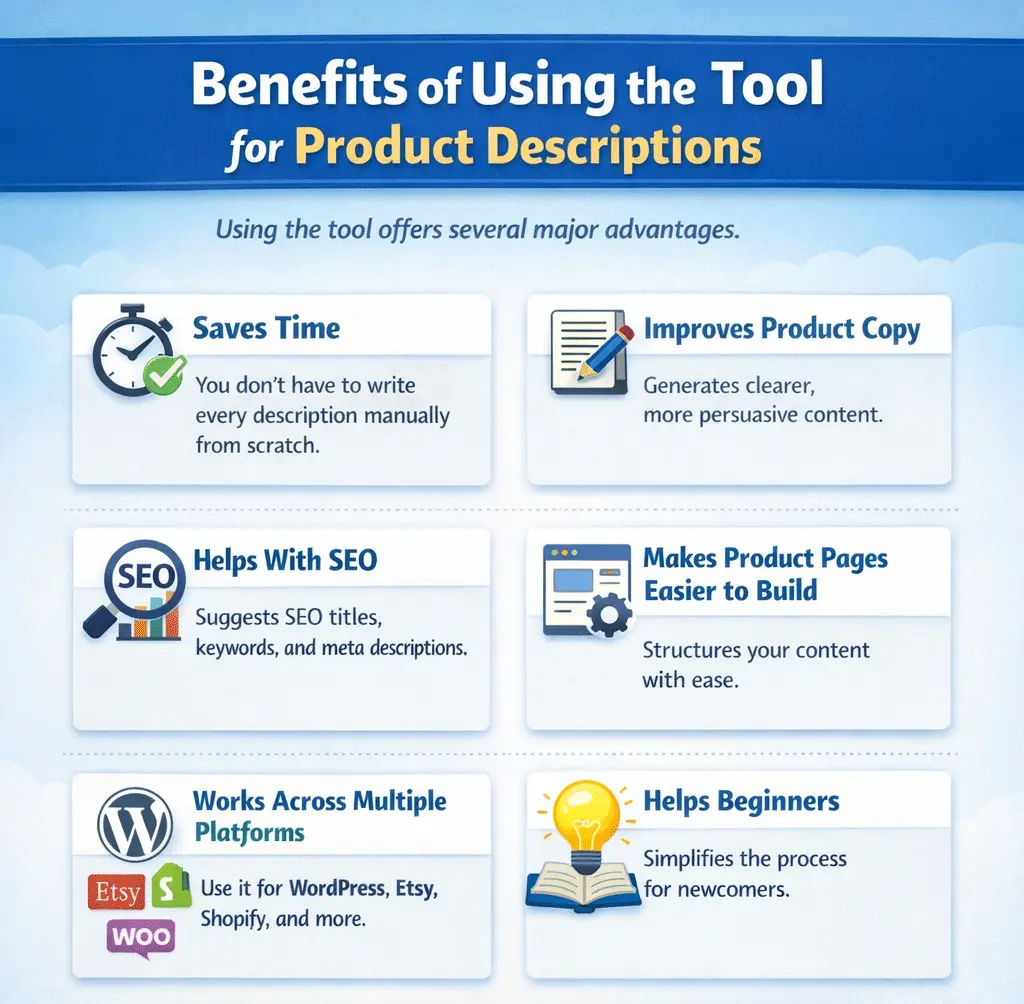
Benefits of Using the Tool for Product Descriptions
Using the tool offers several major advantages.
Saves Time
You don’t have to write every description manually from scratch.
Improves Product Copy
The structured prompts help AI generate clearer, more persuasive descriptions.
Helps With SEO
The AI can suggest SEO titles, meta descriptions, and keywords you can use on your product page.
Makes Product Pages Easier to Build
Instead of wondering what sections to include, the AI can help structure the content for you.
Works Across Multiple Platforms
You can use the output for WordPress, WooCommerce, Etsy, Shopify, and more.
Helps Beginners
Even if you are new to product descriptions, the tool simplifies the entire process.
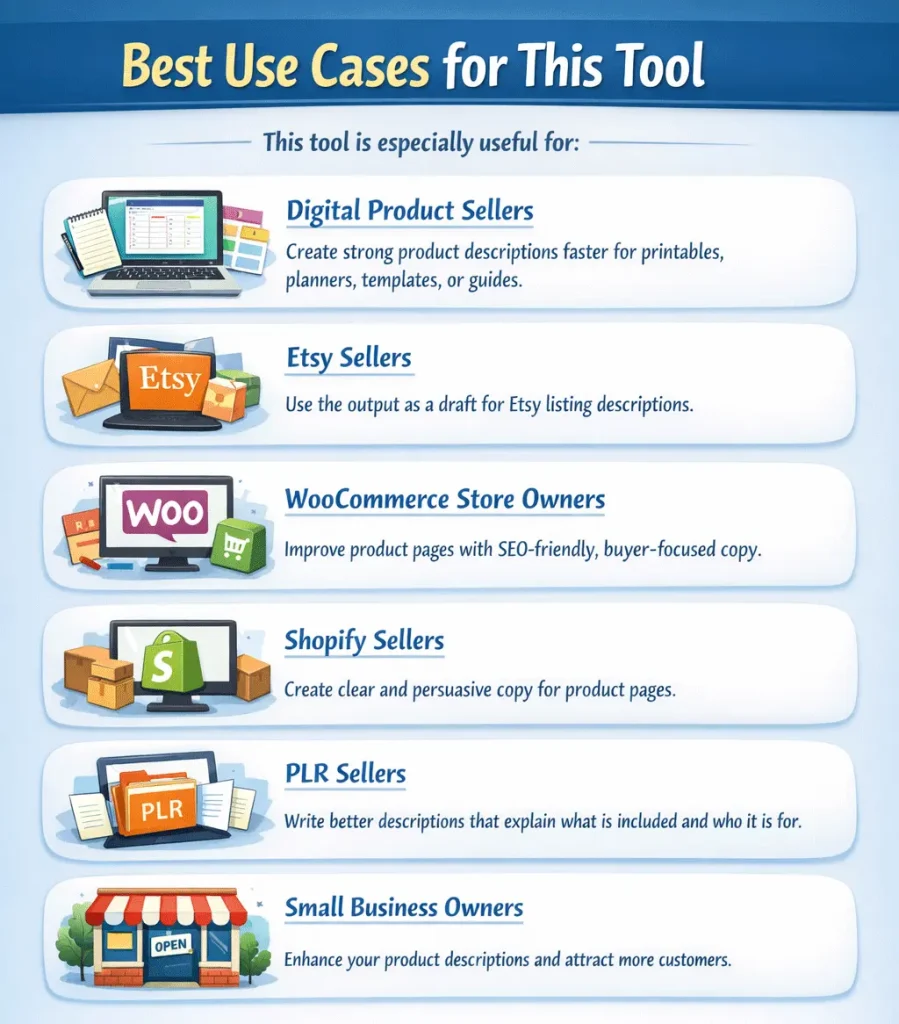
Best Use Cases for This Tool
This tool is especially useful for:
Digital Product Sellers
If you sell printables, planners, templates, or guides, you can create strong product descriptions faster.
Etsy Sellers
You can use the output as a draft for Etsy listing descriptions.
WooCommerce Store Owners
You can improve product pages with more SEO-friendly and buyer-focused copy.
Shopify Sellers
It helps create clear and persuasive copy for product pages.
PLR Sellers
If you sell PLR products, the tool can help you write better descriptions that explain what is included and who it is for.
Small Business Owners
If you sell products online and struggle with writing copy, this tool can save a lot of time.
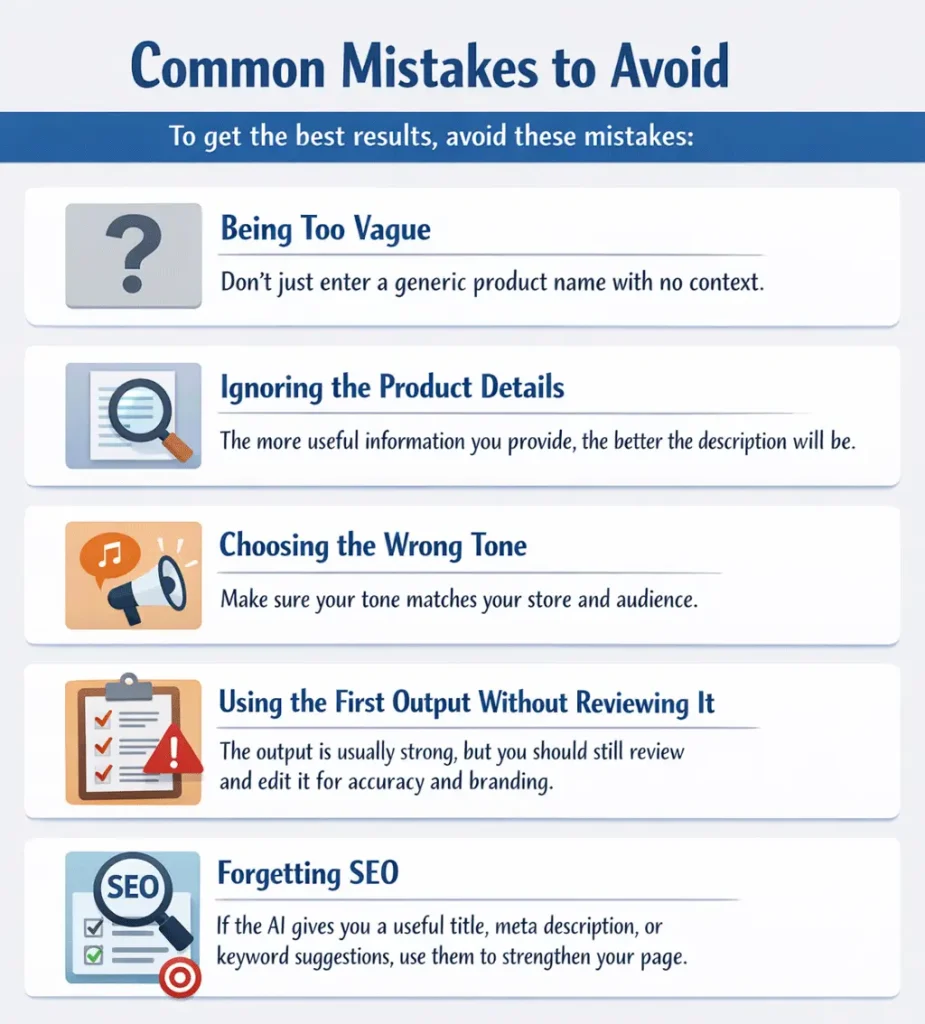
Common Mistakes to Avoid
To get the best results, avoid these mistakes:
Being Too Vague
Don’t just enter a generic product name with no context.
Ignoring the Product Details
The more useful information you provide, the better the description will be.
Choosing the Wrong Tone
Make sure your tone matches your store and audience.
Using the First Output Without Reviewing It
The output is usually strong, but you should still review and edit it for accuracy and branding.
Forgetting SEO
If the AI gives you a useful title, meta description, or keyword suggestions, use them to strengthen your page.
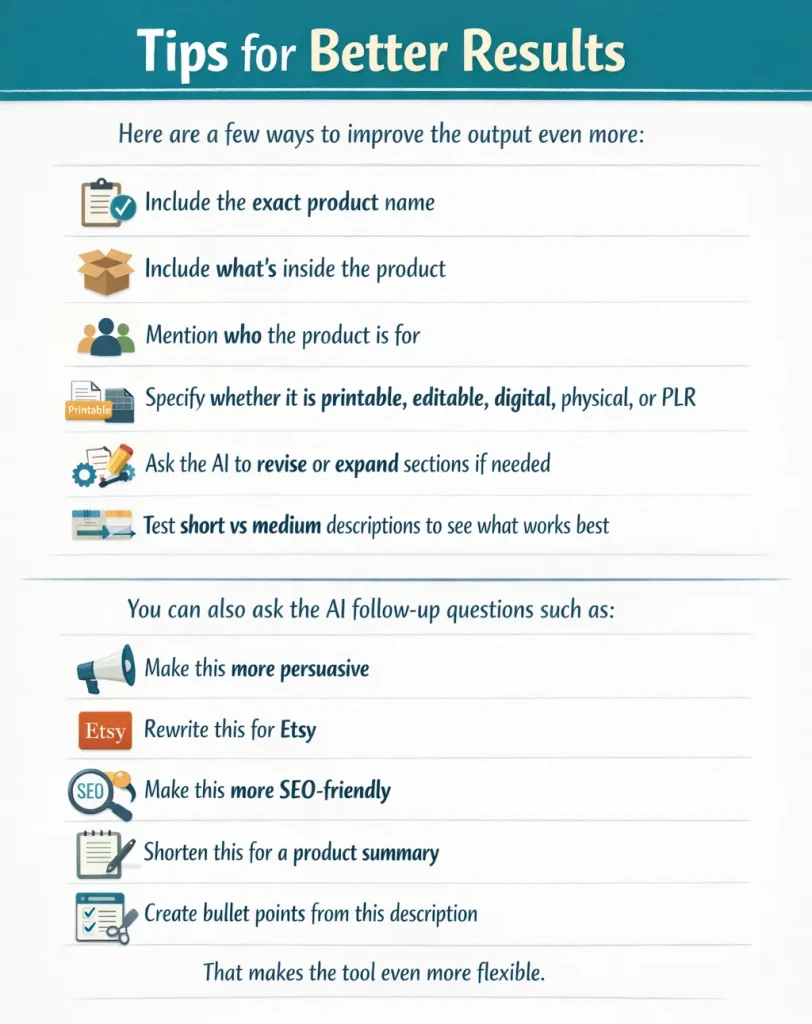
Tips for Better Results
Here are a few ways to improve the output even more:
- include the exact product name
- include what’s inside the product
- mention who the product is for
- specify whether it is printable, editable, digital, physical, or PLR
- ask the AI to revise or expand sections if needed
- test short vs medium descriptions to see what works best
You can also ask the AI follow-up questions such as:
- make this more persuasive
- rewrite this for Etsy
- make this more SEO-friendly
- shorten this for a product summary
- create bullet points from this description
That makes the tool even more flexible.
Frequently Asked Questions
What is the Free AI Prompt Generator Tool for product descriptions?
It is a tool that creates structured prompts you can use with AI writing tools to generate better product descriptions.
Can I use it for WooCommerce?
Yes. It works well for WooCommerce product pages.
Can I use it for Etsy listings?
Yes. You can use the output as a starting point for Etsy product descriptions.
Does it work for Shopify?
Yes. It can help create Shopify product page copy as well.
Is it only for physical products?
No. It works for both physical and digital products.
Can beginners use this tool?
Yes. It is simple enough for beginners and useful for advanced users too.
Does it help with SEO?
Yes. It can generate SEO-friendly titles, meta descriptions, and keyword suggestions.
Final Thoughts
The Free AI Prompt Generator Tool for Product Descriptions is one of the easiest ways to create better product copy faster.
Instead of guessing what to write, you can use a structured prompt to guide AI and produce:
- clearer descriptions
- stronger SEO elements
- more persuasive copy
- better organized product pages
Whether you’re selling on WordPress, WooCommerce, Etsy, Shopify, or another platform, this tool can help simplify your workflow and improve the way your products are presented.
If you sell products online and want to save time while improving your listings, this is a very useful tool to start using.
Need More Content Ideas?
If you’re stuck or need inspiration, 👉 access our AI prompt generator tool and create ideas on demand.