Key Takeaways
- The Free AI Prompt Generator Tool can create YouTube video scripts in minutes
- You can generate scripts for short videos, longer videos, or detailed topic breakdowns
- The more detail you give the tool, the better your script output will be
- The tool works with ChatGPT, Claude, Gemini, and other AI writing tools
- It can also help generate titles, keywords, descriptions, pinned comments, and even YouTube Shorts scripts
- This makes it a fast and practical tool for creators, marketers, and online business owners
Free AI Prompt Generator Tool for YouTube Scripts
Creating YouTube videos consistently can take a lot of time.
Even when you know what you want to talk about, sitting down and writing the script is often one of the hardest parts of the process. Many creators waste time trying to figure out what to say, how to structure the video, and how to keep the message clear enough for viewers to follow.
That is exactly where the Free AI Prompt Generator Tool for YouTube Scripts can help.
This tool is designed to make script writing much easier by building structured prompts that you can paste into AI tools like ChatGPT, Claude, Gemini, and other AI writers. Instead of staring at a blank screen, you can generate a full YouTube script in minutes.
If you make videos for your business, your brand, your blog, or your marketing, this tool can save you a huge amount of time. It can also help you stay more consistent, create more content, and produce better organized videos without having to write everything from scratch.
In this article, you’ll learn how the tool works, why it is useful, how to get better results from it, and how to use it to generate video ideas, titles, descriptions, keywords, and more.
What Is the Free AI Prompt Generator Tool for YouTube Scripts?
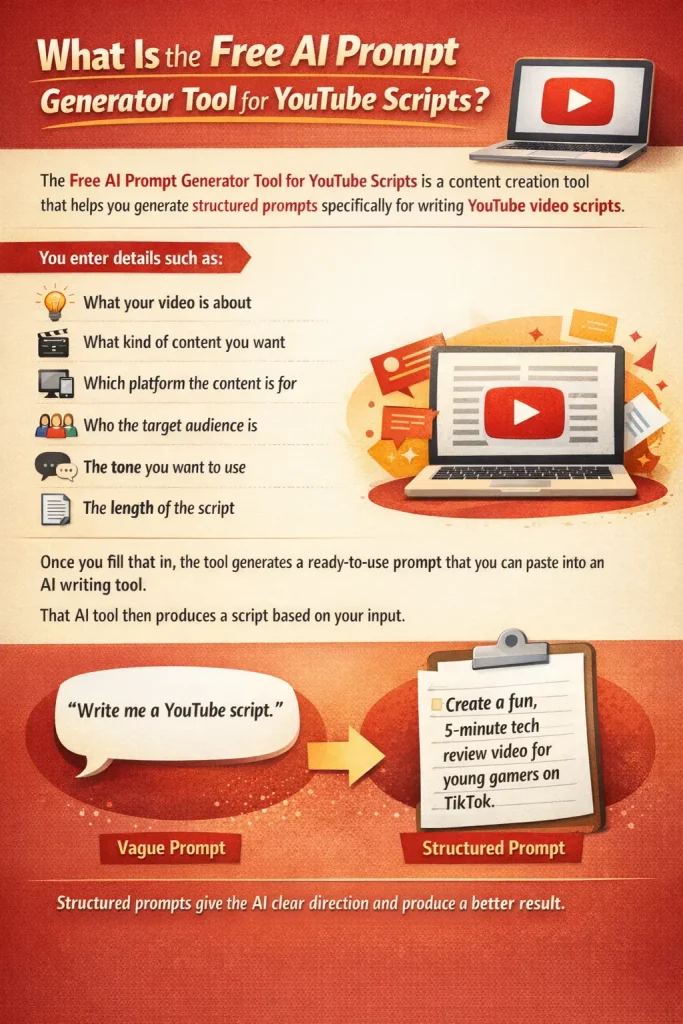
The Free AI Prompt Generator Tool for YouTube Scripts is a content creation tool that helps you generate structured prompts specifically for writing YouTube video scripts.
Instead of manually telling an AI tool what to do, the tool organizes the information for you so the output is more focused and useful.
You enter details such as:
- What your video is about
- What kind of content you want
- Which platform the content is for
- Who the target audience is
- The tone you want to use
- The length of the script
Once you fill that in, the tool generates a ready-to-use prompt that you can paste into an AI writing tool.
That AI tool then produces a script based on your input.
This is much more effective than typing a vague request like:
“Write me a YouTube script.”
A vague prompt usually creates weak, generic content. A structured prompt gives the AI clear direction, which produces a better result.
Why YouTube Creators Need Better Prompts
Many people assume AI tools do all the hard work automatically.
But that is not really how it works.
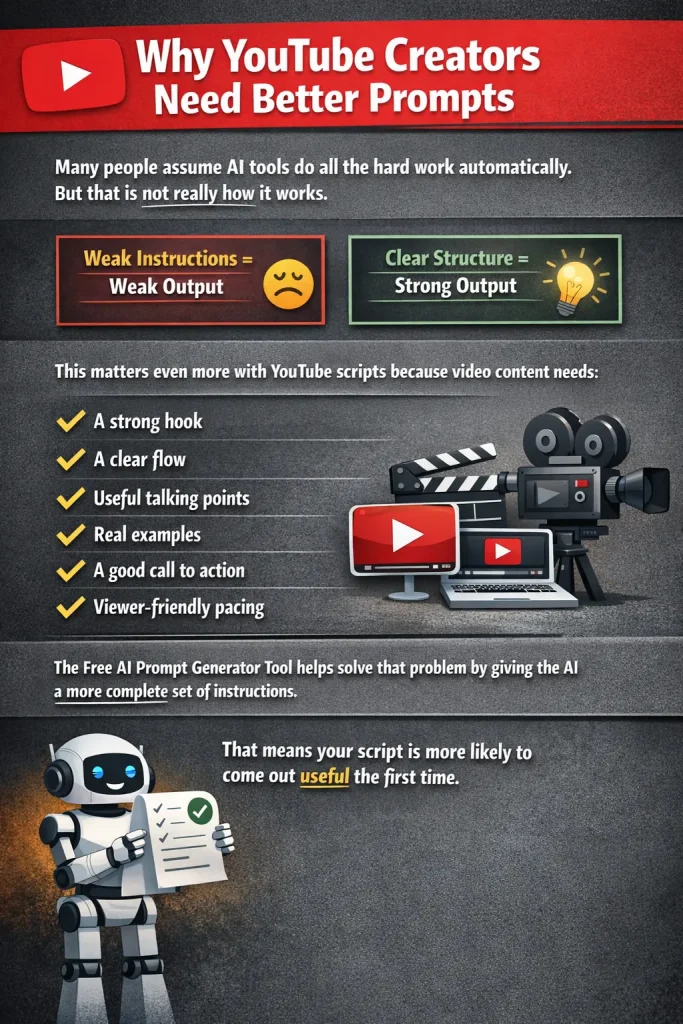
AI tools are only as good as the instructions they receive. If you give them weak instructions, the output will usually be weak too. If you give them clear structure, context, and direction, the output improves dramatically.
This matters even more with YouTube scripts because video content needs:
- A strong hook
- A clear flow
- Useful talking points
- Real examples
- A good call to action
- Viewer-friendly pacing
Without that structure, most AI-generated scripts end up sounding too generic, too robotic, or too unfocused.
The Free AI Prompt Generator Tool helps solve that problem by giving the AI a more complete set of instructions. That means your script is more likely to come out useful the first time.
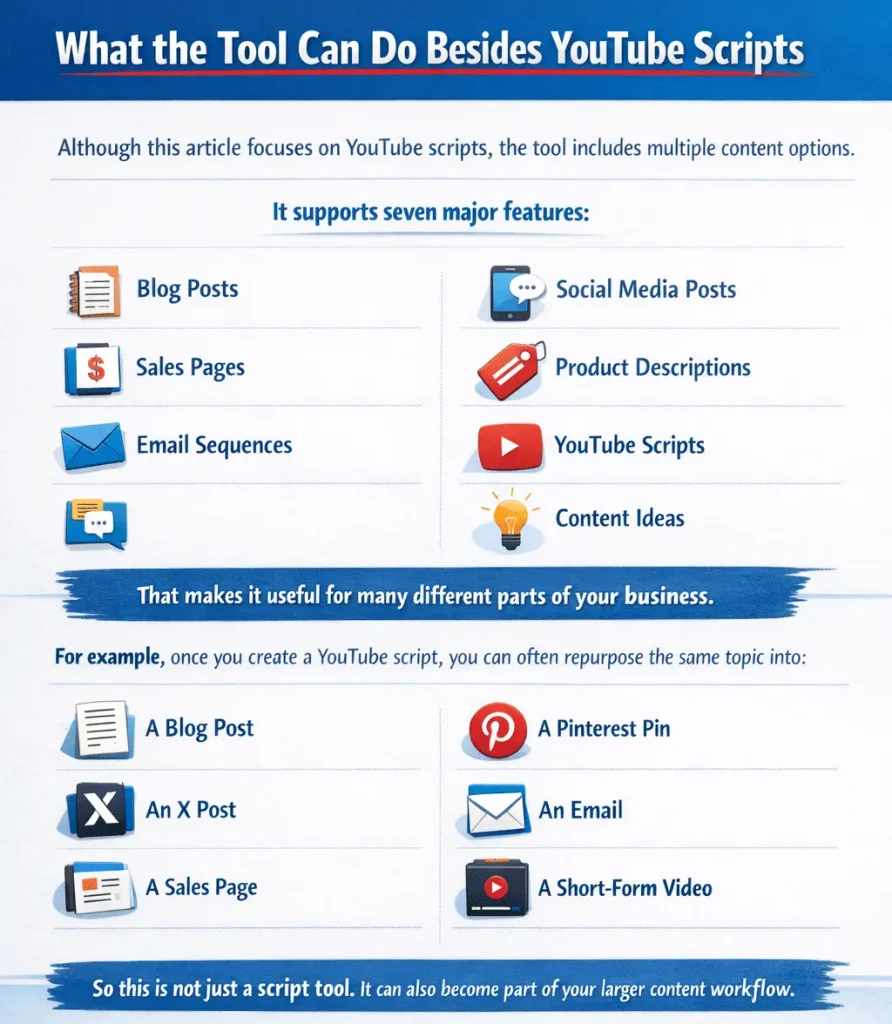
What the Tool Can Do Besides YouTube Scripts
Although this article focuses on YouTube scripts, the tool includes multiple content options.
It supports seven major features:
- Blog posts
- Sales pages
- Email sequences
- Social media posts
- Product descriptions
- YouTube scripts
- Content ideas
That makes it useful for many different parts of your business.
For example, once you create a YouTube script, you can often repurpose the same topic into:
- A blog post
- A Pinterest pin
- An X post
- An email
- A sales page
- A short-form video
So this is not just a script tool. It can also become part of your larger content workflow.
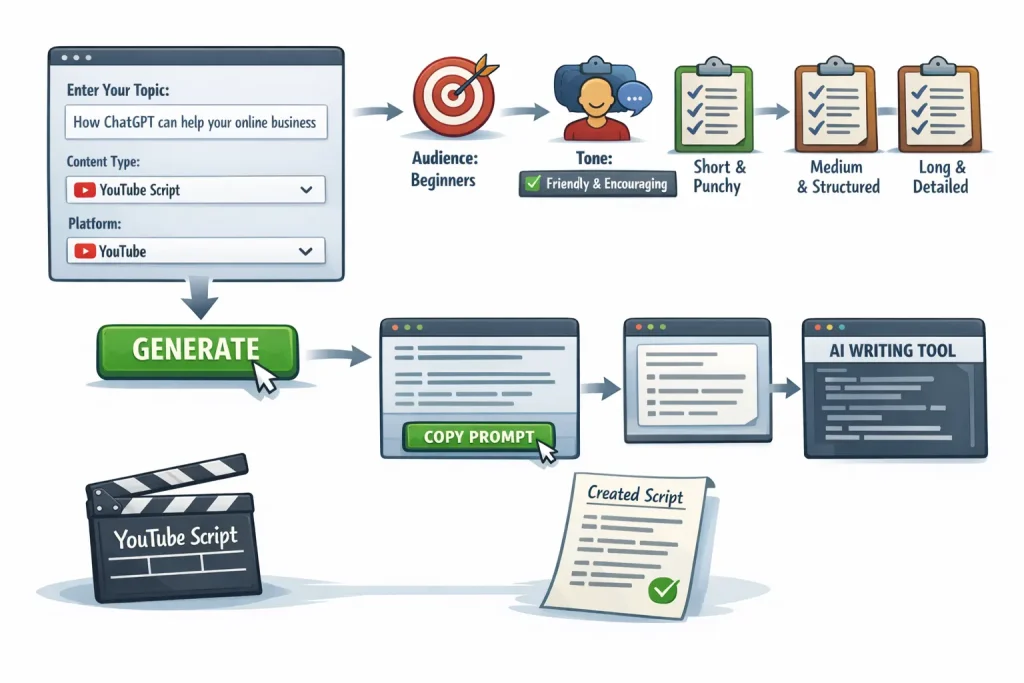
How to Use the Tool for YouTube Scripts
Using the tool is simple.
You start by going to the tool page and filling in the content field with your topic.
For example, in the video demo, the topic was:
How ChatGPT can help your online business
That topic tells the AI what the script should be about.
Next, you choose YouTube Script as the content type. Then you choose YouTube as the platform.
After that, you define the target audience. In the example, the audience was beginners.
Then you select a tone. In the demo, the selected tone was friendly and encouraging. Other options can include professional and authoritative, casual and conversational, high-converting direct response, educational, and step-by-step.
Finally, you choose the script length.
For YouTube videos, there are different options:
- Short and punchy
- Medium with clear sections
- Long-form and detailed
If you are creating a short video or trying to keep attention high, short and punchy may be the best choice. If you want a more detailed teaching video, medium or long-form may work better.
Once all that is filled out, you click the generate button, copy the prompt, and paste it into your AI writing tool.
That is where the script gets created.
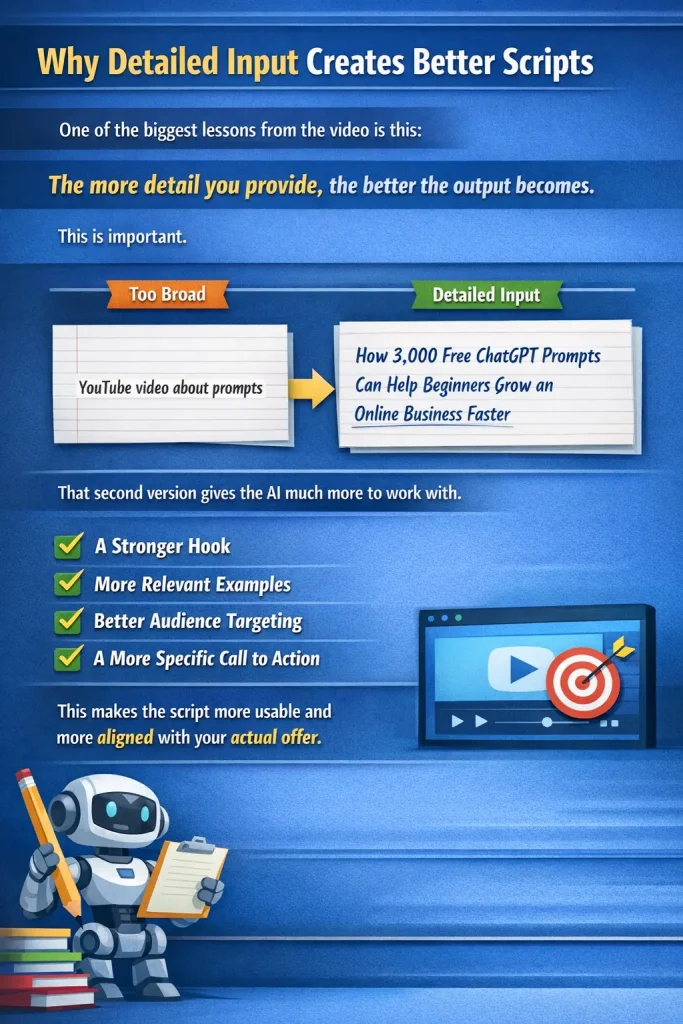
Why Detailed Input Creates Better Scripts
One of the biggest lessons from the video is this:
The more detail you provide, the better the output becomes.
This is important.
If your input is too broad, the script may sound generic.
But when you include more details—such as your product, your audience, your angle, or the exact benefit you want to highlight—the script becomes much more useful.
For example, instead of entering:
YouTube video about prompts
You could enter:
How 3,000 free ChatGPT prompts can help beginners grow an online business faster
That second version gives the AI much more to work with.
The script can then include:
- A stronger hook
- More relevant examples
- Better audience targeting
- A more specific call to action
This makes the script more usable and more aligned with your actual offer.
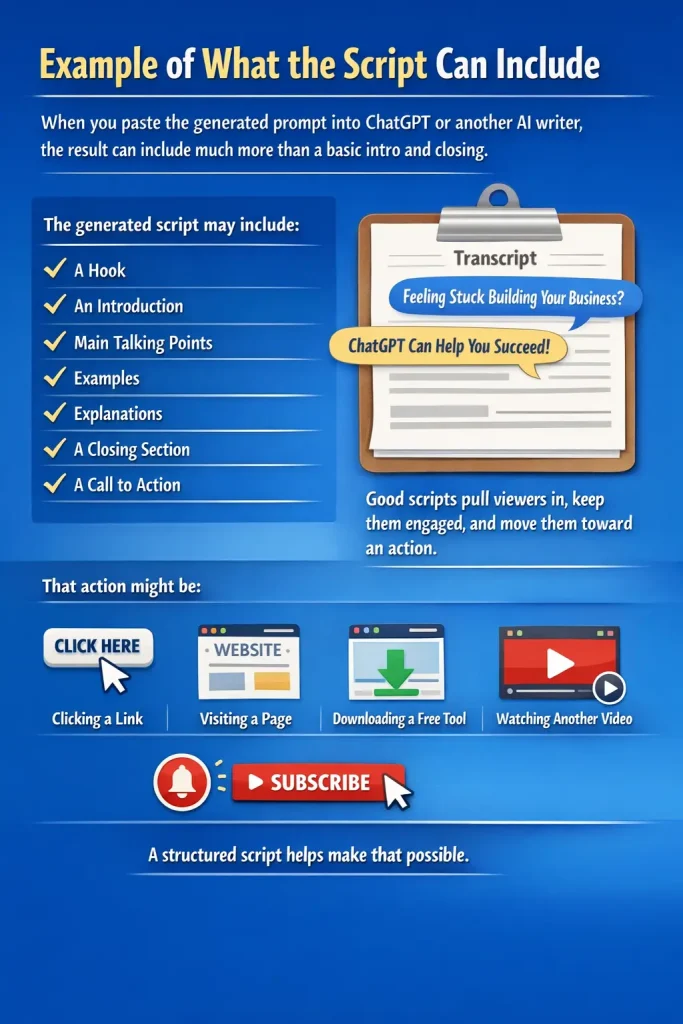
Example of What the Script Can Include
When you paste the generated prompt into ChatGPT or another AI writer, the result can include much more than a basic intro and closing.
The generated script may include:
- A hook
- An introduction
- Main talking points
- Examples
- Explanations
- A closing section
- A call to action
In the transcript, the generated script used a hook such as asking whether the viewer feels stuck or overwhelmed while building an online business. Then it introduced ChatGPT as a solution and explained how it could help.
This is useful because good video scripts need more than information. They need flow.
They need to pull viewers in, keep them engaged, and move them toward an action.
That action might be:
- Clicking a link
- Visiting a page
- Downloading a free tool
- Watching another video
- Subscribing to the channel
A structured script helps make that possible.
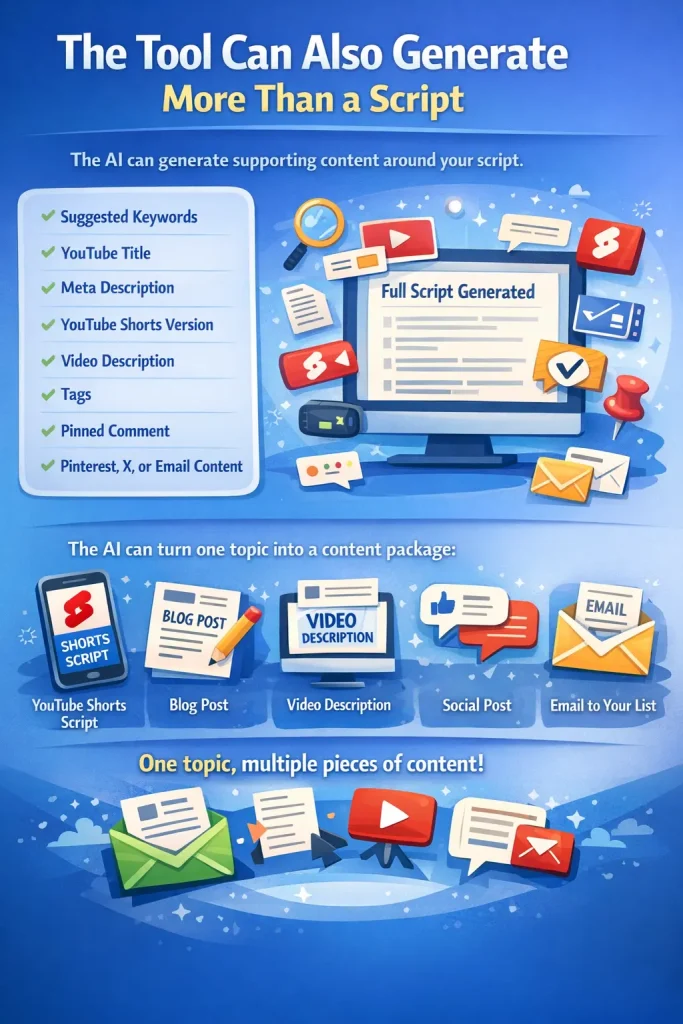
The Tool Can Also Generate More Than a Script
One of the best parts of the output shown in the video is that the AI can also generate supporting content around the script.
That includes:
- Suggested keywords
- A potential YouTube title
- A meta description
- A YouTube Shorts version
- A video description
- Tags
- A pinned comment
- Content for Pinterest, X, or email
This is extremely helpful if you want to turn one video into multiple pieces of content.
For example, after generating your full script, you can ask the AI to turn it into:
- A YouTube Shorts script
- A blog post
- A video description
- A social post
- An email to your list
That means one topic can become an entire content package.
This saves time and improves consistency across your marketing.
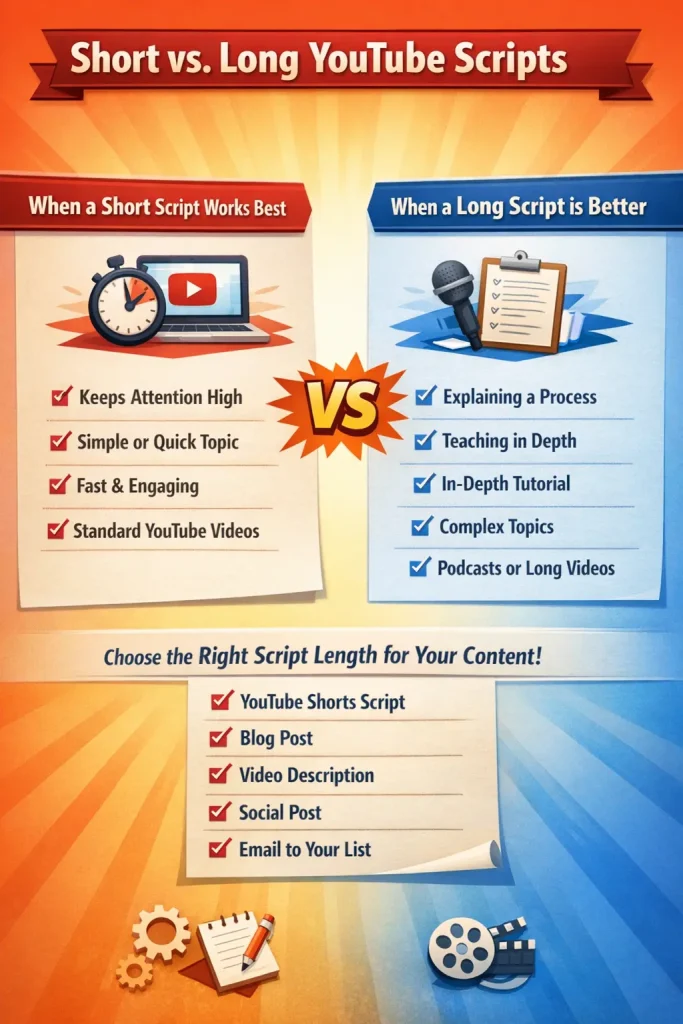
Short vs Long YouTube Scripts
The transcript also shows a helpful point about choosing the right script length.
Not every video needs to be long.
If you are creating a standard YouTube video and want to keep attention high, a short and punchy script may perform better. This is especially true if the topic is simple or if your audience prefers fast, practical content.
A longer script can be useful if:
- You are explaining a process
- You want to teach in more detail
- You are doing a tutorial
- You are covering a more complex topic
- You are creating a podcast or long-form video
The good part is that the tool lets you choose what fits your content.
So instead of forcing every script into the same format, you can adapt the output to your strategy.
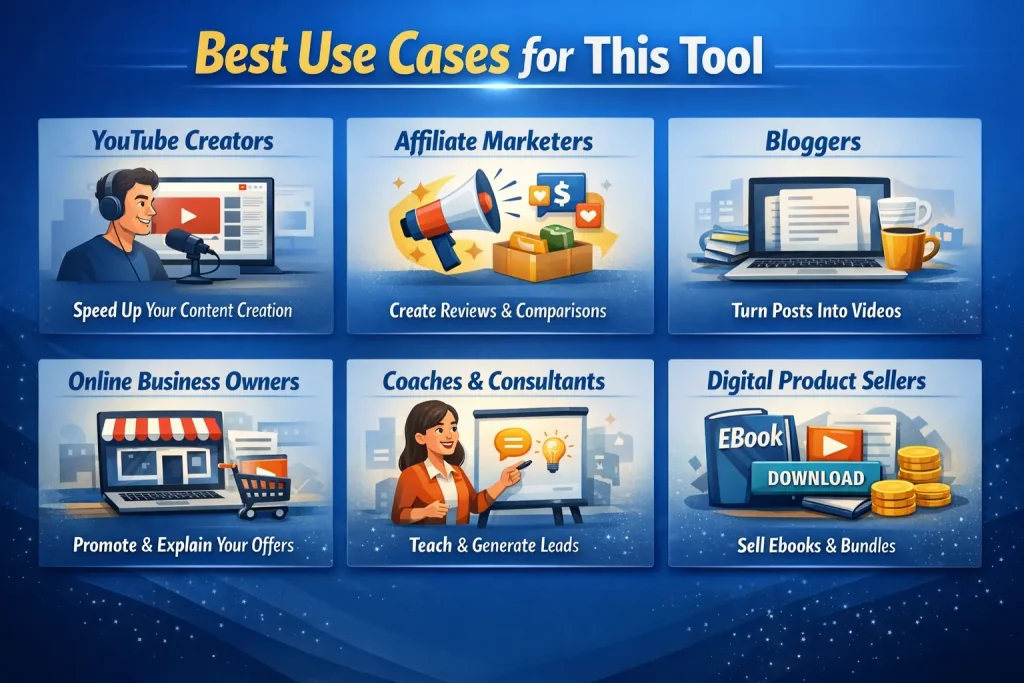
Best Use Cases for This Tool
This tool is useful for a wide range of content creators and business owners.
YouTube creators
If you make videos regularly, this tool can speed up your content creation and help you stay consistent.
Affiliate marketers
You can use the tool to create scripts around product reviews, comparisons, and recommendations.
Bloggers
If you already write blog posts, you can turn your blog topics into videos much faster.
Online business owners
You can use video scripts to promote your products, explain your services, and educate your audience.
Coaches and consultants
You can create scripts that teach, build trust, and generate leads.
Digital product sellers
You can make videos around your lead magnets, prompt bundles, ebooks, or tools.
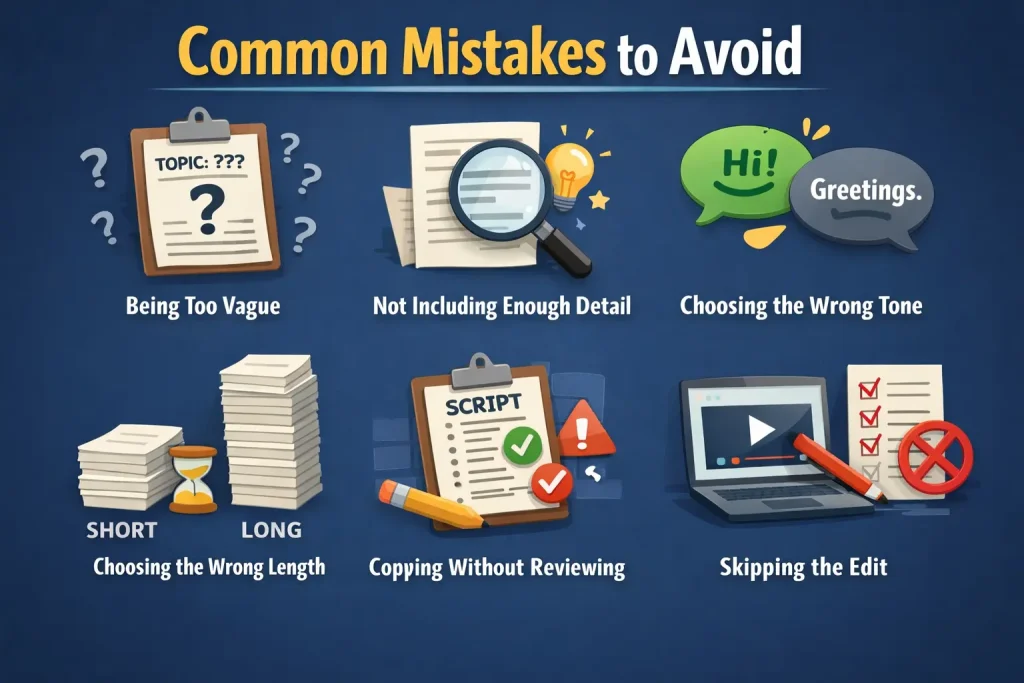
Common Mistakes to Avoid
Even with a good tool, there are still a few mistakes that can weaken your results.
Being too vague
If your topic is too broad, your script may feel generic.
Not including enough detail
More context leads to better output.
Choosing the wrong tone
If your audience is beginners, a friendly and encouraging tone may work better than something overly formal.
Choosing the wrong length
A long script is not always better. Match the length to the type of video you want to make.
Copying without reviewing
Always read through the script before recording. Edit anything that feels unnatural or too generic.
How to Get Better Results Every Time
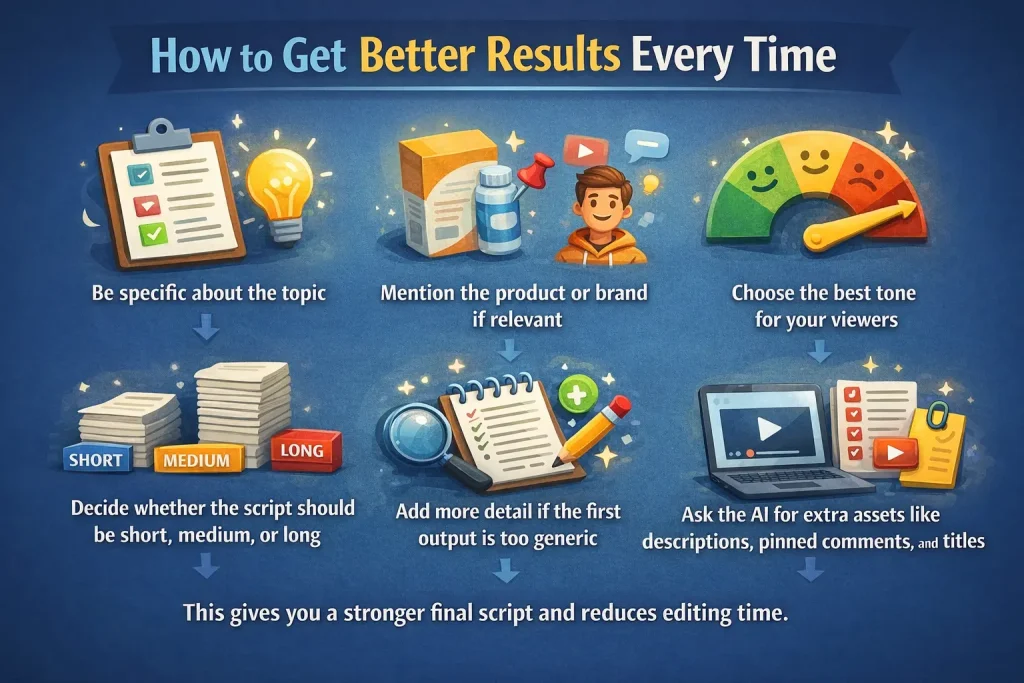
To improve your output, follow these simple tips:
- Be specific about the topic
- Mention the product or brand if relevant
- Describe the audience clearly
- Choose the best tone for your viewers
- Decide whether the script should be short, medium, or long
- Add more detail if the first output is too generic
- Ask the AI for extra assets like descriptions, pinned comments, and titles
This gives you a stronger final script and reduces editing time.
Why This Tool Helps Grow an Online Business
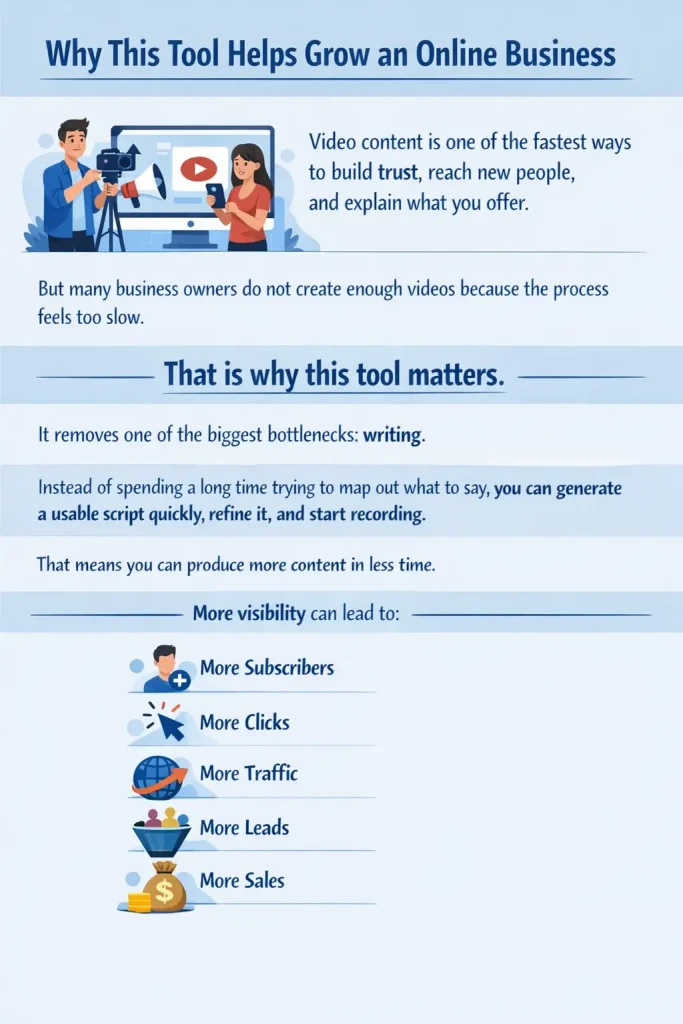
Video content is one of the fastest ways to build trust, reach new people, and explain what you offer.
But many business owners do not create enough videos because the process feels too slow.
That is why this tool matters.
It removes one of the biggest bottlenecks: writing.
Instead of spending a long time trying to map out what to say, you can generate a usable script quickly, refine it, and start recording.
That means you can produce more content in less time.
More content means more visibility.
More visibility can lead to:
- More subscribers
- More clicks
- More traffic
- More leads
- More sales
Frequently Asked Questions
What is the Free AI Prompt Generator Tool for YouTube scripts?
It is a free tool that creates structured prompts you can use with AI writers like ChatGPT, Claude, and Gemini to generate YouTube video scripts faster.
Can I use this tool with ChatGPT?
Yes. The tool works very well with ChatGPT. You can also use it with Claude, Gemini, and other AI writing tools.
Does the tool only work for YouTube scripts?
No. It also supports blog posts, sales pages, email sequences, social media posts, product descriptions, and content ideas.
What kind of videos can I create with it?
You can create short videos, educational videos, product videos, promotional videos, beginner tutorials, and more.
Does adding more detail improve the script?
Yes. The more detail you give the tool, the better your final output will usually be.
Can I turn the script into other content?
Yes. You can repurpose it into a YouTube Shorts script, blog post, description, pinned comment, social content, and email copy.
Final Thoughts
The Free AI Prompt Generator Tool for YouTube Scripts is a practical and powerful way to create video content faster.
It helps you move from idea to script in minutes, gives you better structure, and makes it easier to stay consistent with your content.
If you create videos for your business, your brand, or your marketing, this tool can save you time and help you generate more useful content without the usual struggle of writing from scratch.
It also gives you flexibility.
You can keep things short and simple, or you can add more detail and generate more developed scripts. You can use it for the script itself, then expand into descriptions, keywords, titles, shorts, and more.
That makes it one of the most useful tools in a content workflow.
Generate AI Prompts Instantly
Stop guessing what to write next. 👉 Use our free AI prompt generator to get unlimited content ideas fast.