Create More Content with PLR Canva Templates
PLR Canva templates give creators, coaches, educators, marketers, and small businesses a practical way to produce polished visual content without designing every page from scratch. PLR means private label rights: the purchaser receives defined permissions to edit, rebrand, and use supplied materials according to the license terms. When those materials are built for Canva, customization becomes accessible even for people with limited design experience.
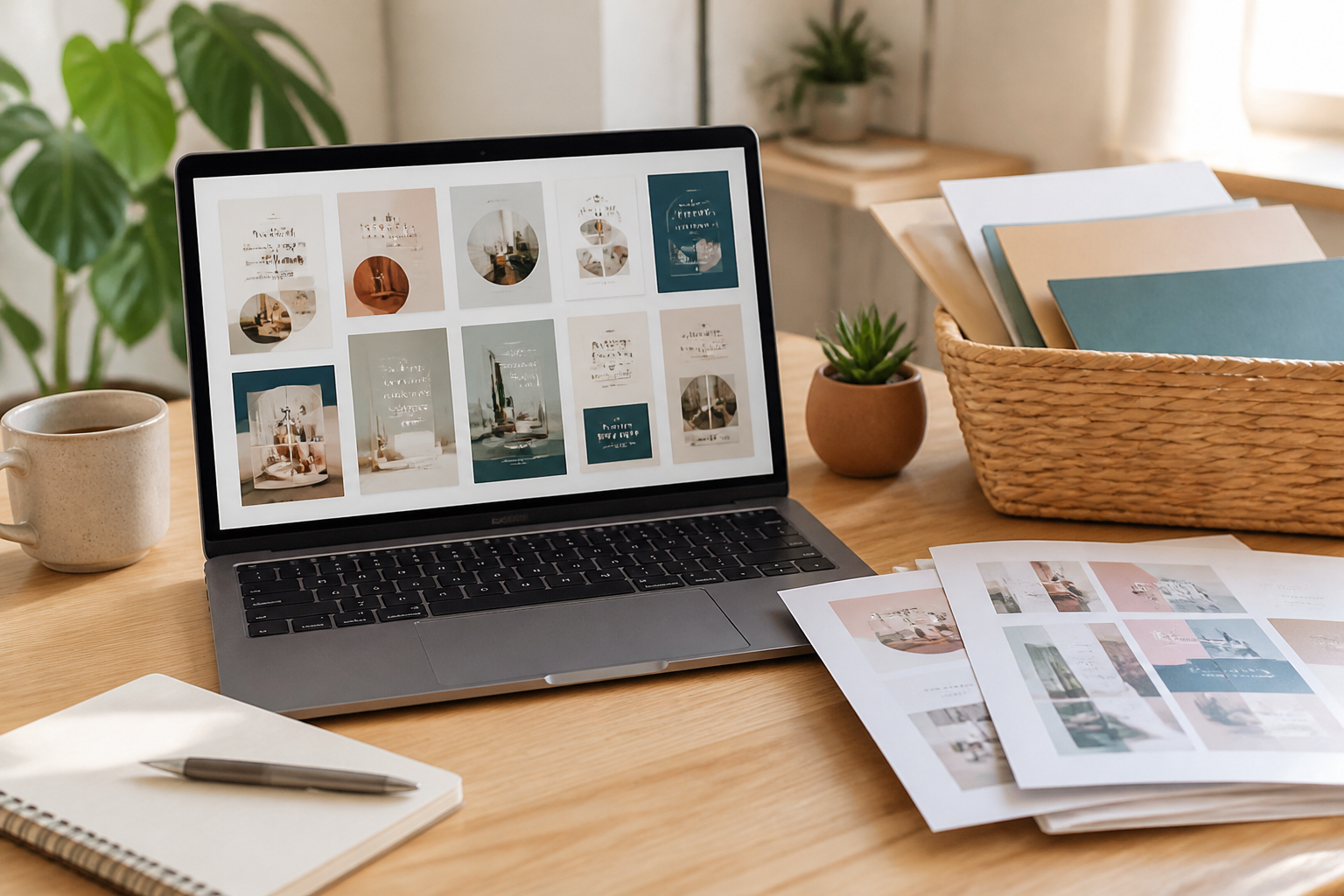
A well-made template collection may include social media posts, presentation slides, worksheets, workbooks, checklists, lead magnets, planners, or promotional graphics. Instead of treating these files as finished products, view them as flexible starting points. Replace colors, fonts, images, examples, and wording so the final content reflects your expertise and audience.
The strongest reason to choose PLR Canva templates is not merely speed. They provide structure. A blank canvas can create decision fatigue, while a thoughtful layout shows where to place a headline, explanation, call to action, illustration, or exercise. That framework helps you focus on teaching and communicating rather than repeatedly solving basic design problems.
What PLR Canva Templates Include
A PLR Canva template product usually combines editable design files with usage instructions and a license. The exact contents vary, so inspect the sales description carefully before purchasing. Some bundles focus on one format, such as Instagram carousels or email freebies. Others provide a coordinated collection intended to support an entire campaign.
Common template formats
Social posts can help maintain a consistent visual presence across educational announcements, tips, quotes, launches, and community updates. Presentation templates organize lessons, webinars, workshops, and sales sessions. Workbooks and guides turn expertise into downloadable resources, while planners and trackers support audiences who need a practical system.

A useful package often contains several page types rather than dozens of nearly identical designs. For example, a workbook might include a cover, contents page, instructional spread, reflection page, checklist, action plan, and closing page. Variety matters because readers need different visual structures as they move from introduction to application.
Editable design elements
Editable templates may allow changes to text, colors, fonts, images, shapes, backgrounds, and page order. Canva’s available features can depend on the account level and the elements used in a particular design. A template containing premium graphics or fonts may require replacement, a paid account, or separate licensing. Do not assume that every visible element transfers with unlimited commercial permission.
The best templates use clear hierarchy, readable typography, sensible spacing, and repeatable components. These qualities make customization easier and reduce the risk that an attractive design becomes confusing after extensive editing.
Why Businesses Use Them
Creating content consistently is difficult when every asset begins with a blank page. PLR Canva templates reduce the repetitive work involved in arranging layouts, selecting dimensions, and establishing a visual system. They can shorten production time while helping a brand look more deliberate across multiple channels.
They are especially useful for solo professionals. A consultant can adapt a workbook for a client exercise, a nutrition educator can build a habit tracker, and a course creator can prepare lesson slides without hiring a designer for every small project. The template does not replace subject expertise; it gives that expertise a usable container.
Templates also support repurposing. A long article can become a carousel, checklist, presentation, or downloadable guide. One central idea may serve different audience preferences when the explanation is rewritten for each format. This approach is more efficient than copying the same message everywhere, because the core lesson remains consistent while the delivery changes.
Another advantage is experimentation. Before investing in a custom design system, a business can test whether its audience responds to a particular content format. If worksheets generate meaningful engagement, the owner may later commission an original branded version. PLR can therefore function as a practical bridge between improvisation and fully custom production.
How to Choose a Quality Bundle
Start with the license
Read the license before buying or publishing anything. Confirm whether you may edit the templates, add your branding, sell finished products, use them as lead magnets, include them in a paid course, or offer them to clients. Check whether resale of the editable templates is prohibited, whether attribution is required, and whether ownership claims are restricted.
PLR does not mean unrestricted ownership. It usually grants permissions under conditions. Those conditions can differ substantially between sellers, so a license from one bundle cannot be used to interpret another. Save the license with your purchase records and keep a simple note describing how you intend to use the files.
Evaluate the audience fit
A beautiful bundle is not automatically useful. Choose designs that match your audience’s reading habits, industry expectations, and level of familiarity with the subject. A playful color palette may suit a children’s activity guide but feel unsuitable for a financial education workbook. Likewise, a dense professional presentation may frustrate an audience seeking quick, friendly instruction.

Look for templates that leave enough room for your actual message. Small text boxes, decorative layouts, and excessive visual elements can force you to shorten important explanations. Practical flexibility is more valuable than a dramatic preview image.
Inspect usability
Check whether the template link opens correctly, whether pages are organized logically, and whether instructions explain duplication and editing. Look for consistent margins, alignment, contrast, and readable type. Examine the design on a smaller screen if you plan to publish mobile content. A template that looks appealing on a large monitor may become difficult to read on a phone.
Also consider accessibility. Provide adequate contrast, avoid communicating essential information through color alone, write meaningful alternative text where appropriate, and keep decorative elements from obstructing comprehension. Accessibility is not an optional decoration; it improves the experience for many readers.
A Practical Customization Workflow
Step one: Define the outcome
Before opening Canva, decide what the asset should help the reader do. A checklist should guide action, a workbook should support reflection or practice, and a carousel should communicate one focused idea. This decision determines what to keep, remove, or redesign.
Write a short content outline first. Identify the audience, promise, sequence, call to action, and evidence or examples needed. An outline prevents attractive pages from dictating your message.
Step two: Duplicate and protect the original
Create a working copy rather than editing the supplied master. Rename it with a clear project label and date. Keeping an untouched original makes it easier to restart, compare versions, or adapt the template for another offer.
Organize pages before adding content. Remove layouts that do not support the project, then place the remaining pages in a logical order. Fewer relevant pages are usually stronger than a long document filled with unused sections.

Step three: Apply brand choices
Replace default colors, fonts, logos, and imagery with approved brand assets. Use a limited palette and establish a clear hierarchy between headings, subheadings, body text, and labels. Avoid changing every element simply because editing is possible. Consistency creates recognition, while excessive variation makes a resource look assembled from unrelated pieces.
Use original or properly licensed images, icons, and illustrations. PLR permission for the template does not necessarily grant rights to every stock asset displayed inside it. If an image’s status is unclear, replace it with your own material or a resource whose terms you understand.
Step four: Rewrite completely
Treat included wording as a draft, not authority. Replace generic examples, claims, instructions, and calls to action with material that reflects your knowledge. Verify industry information and remove promises you cannot support. A template can provide rhythm and structure, but your wording must provide relevance.
Personalization also protects audience trust. Readers can recognize recycled material when examples feel vague or when several businesses use identical phrases. Add specific scenarios, practical cautions, and explanations that address your community’s real questions.
Step five: Review and test
Proofread every page, including small labels and footer text. Check links, page numbers, headings, alignment, and spacing. Export a test copy in the intended format and review it on the devices your audience uses. Print a page if the resource will be printed; digital readability does not guarantee physical readability.
Ask someone unfamiliar with the project to complete a small task using the resource. Their questions may reveal missing instructions or confusing navigation. Make revisions before promotion, because correction after distribution can create unnecessary support work.
Turning Templates into Valuable Offers
A template becomes more persuasive when it is connected to a clear outcome. Rather than presenting a generic workbook, position it as a guided tool for preparing a launch, planning weekly content, or reviewing a project. The value comes from the combination of structure, explanation, examples, and application.

You can add a short tutorial, reflection prompts, implementation notes, or a companion video. These additions make the resource more distinctive without requiring a complete redesign. A template-based product should solve a defined problem, not merely contain attractive pages.
Consider the customer journey. A free checklist may introduce your method, a low-cost workbook may support implementation, and a service or course may provide deeper guidance. Ensure each offer has a distinct purpose. Repeating the same pages across products can confuse buyers and weaken perceived value.
If you sell a finished resource, describe what customers receive, which software they need, how editing works, and what rights apply. Explain whether they receive a PDF, a Canva link, or both. Clear expectations reduce disputes and help buyers decide confidently.
Common Mistakes to Avoid
One frequent mistake is publishing PLR content with minimal editing. Changing a logo and two colors does not make a resource genuinely relevant. Review every sentence, example, image, and instruction. Remove unsupported claims and adapt the reading level to your audience.
Another mistake is ignoring technical details. Broken links, missing fonts, inconsistent page sizes, and low-resolution images damage trust. Build a short quality-control checklist and use it before each release.
Overdesign is also common. Decorative elements may compete with instructions, while too many fonts weaken hierarchy. When in doubt, prioritize readability, contrast, spacing, and clear navigation over visual novelty.
Finally, do not confuse commercial use with permission to redistribute editable files. Buyers of your finished workbook may receive a PDF, but that does not automatically authorize them to access or resell the Canva template. State your own customer terms clearly and respect the original license.
FAQ
Can I claim PLR templates as my own?
You may usually brand and adapt the finished work within the license, but you should not assume that you own exclusive copyright in the underlying template. Review the agreement for attribution, ownership, and redistribution rules. Your original additions may have separate rights, while preexisting elements remain subject to their original terms.
Can I sell products made from them?
Many PLR licenses permit selling finished, customized products, but permission is not universal. Confirm whether sales, client delivery, course inclusion, membership access, and lead magnets are allowed. Also check restrictions on selling editable versions or offering the files as a competing template bundle.
Do I need Canva Pro?
Not always. Some templates use free features, while others include premium elements. If a design depends on paid assets, you may need Canva Pro or replacement elements. Before purchasing, check the seller’s notes and be prepared to substitute graphics, fonts, or photographs that your account cannot access.
How much should I edit?
Edit enough to make the resource accurate, useful, and recognizably aligned with your brand. At minimum, review the message, examples, instructions, visual identity, images, and call to action. A deeper rewrite is appropriate when the template addresses a broad topic or uses generic material.
Are PLR templates suitable for client work?
They can be, provided the license permits client use and you clarify what the client receives. You might use a template internally to create a branded guide, but transferring editable access may require additional permission. Put ownership, revisions, source files, and usage rights in your client agreement.
How can I make a template more accessible?
Use readable type sizes, strong contrast, descriptive headings, logical reading order, and plain language. Avoid overcrowding pages and do not rely only on color to distinguish categories. Add alternative text when the publishing platform supports it, and test the resource with people who have different access needs.
Conclusion
PLR Canva templates are most effective when treated as adaptable production tools rather than instant, finished products. They can reduce design friction, support consistent publishing, and help transform expertise into useful guides, presentations, worksheets, and social content. Their value depends on three decisions: choosing a bundle with a suitable license, customizing it thoughtfully, and reviewing the final asset carefully.
Begin with the reader’s desired outcome. Build an outline, duplicate the original, apply your brand, rewrite the content, verify every permission, and test the exported result. Add examples or guidance where the template feels thin, and remove pages that do not serve the project. This process turns a generic layout into a resource with clear purpose.
Used responsibly, PLR gives small teams a practical way to publish more consistently without sacrificing clarity or trust. It does not replace strategy, expertise, or quality control. Instead, it supplies a flexible foundation so those strengths can appear in a polished, accessible form. Choose carefully, customize substantially, and let the final content earn attention through usefulness.